Best Automation Software in 2026 (Ranked)
The best automation software in 2026, ranked - n8n, Make, Zapier, Power Automate, Workato, UiPath, and more, with where each wins.
Jump to a section
- The short answer
- How we ranked these
- 1. n8n - Best for cost-conscious, code-friendly, AI-heavy work
- 2. Make - Best for visual, mid-complexity SaaS workflows
- 3. Zapier - Best for fast, simple, broad-catalog automation
- 4. Microsoft Power Automate - Best for Microsoft-stack enterprises
- 5. UiPath - Best for enterprise RPA and legacy automation
- 6. Workato - Best enterprise iPaaS with governance
- 7. Tray.io - Best for embedded automation in SaaS products
- 8. Pipedream - Best code-first serverless workflows
- 9. Gumloop - Best AI-native workflow tool
- 10. Automation Anywhere - Best for enterprise RPA and BPO
- Tools we didn’t rank (and why)
- The cost framework
- How to decide
- Where AI automation fits
- Related reading
The best automation software in 2026 isn’t one product - it’s the right product for the shape of work you’re trying to automate. n8n wins for code-friendly, AI-heavy, scale-priced workflow automation. Zapier wins for fastest-to-first-automation simple flows. Power Automate wins inside Microsoft-stack enterprises. UiPath and Automation Anywhere win for legacy-system RPA. Workato and Tray.io win for enterprise iPaaS.
This is the ranked roundup of the leading automation platforms. Every tool listed earns its slot; we’ll say where each wins and where it loses.
The short answer
| Rank | Tool | Best for | Avoid if |
|---|---|---|---|
| 1 | n8n | Cost at scale, code, AI, self-hosting | First-ever automation by a non-technical team |
| 2 | Make | Visual canvas, mid-complexity SaaS workflows | High operation volume; need self-hosting |
| 3 | Zapier | Fastest first automation, simple SaaS triggers | Past 2,000 tasks/month with complex logic |
| 4 | Microsoft Power Automate | M365 / Dynamics ecosystems, included with E3/E5 | Heavily non-Microsoft stacks |
| 5 | UiPath | Enterprise RPA, legacy systems, regulated industries | Modern API-first stacks |
| 6 | Workato | Enterprise iPaaS with governance | SMBs, mid-market budgets |
| 7 | Tray.io | Embedded automation in SaaS products | Internal-only use cases |
| 8 | Pipedream | Code-first serverless workflows | Non-developer teams |
| 9 | Gumloop | AI-native, agent-style workflows | Heavy enterprise integration needs |
| 10 | Automation Anywhere | Enterprise RPA, BPO operations | Smaller engineering teams |
Pick by what shape your work is, not by what’s #1.
How we ranked these
Five criteria, weighted in this order:
- Total cost of ownership at typical use. Not just license cost - TCO including build, run, and maintenance.
- Capability past simple linear flows. Real branching, error handling, AI nodes, code.
- Deployment flexibility. Self-hosting, data residency, on-prem options.
- AI workflow capability. Where the next 3 years is going.
- Ecosystem and longevity. Track record, integration catalog, community.
The order is roughly which tool most teams will land on for general-purpose business automation. For your specific situation, the right tool is the one that wins on your own weighting.
1. n8n - Best for cost-conscious, code-friendly, AI-heavy work

What it is: A source-available, node-based workflow engine. Visual canvas with deep code support. SaaS (n8n Cloud) or self-hosted under the Sustainable Use License. Roughly 500+ first-party integrations plus the HTTP node for anything else.
Where it wins:
- Per-execution pricing on Cloud instead of per-task or per-operation. A workflow processing 500 records is one execution.
- Free self-hosted under the Sustainable Use License. Infrastructure-only cost ($20-$100/month typical).
- Full JavaScript and Python in Code nodes, plus custom TypeScript nodes for recurring patterns.
- Real branching primitives - IF, Switch, Merge, Split In Batches, sub-workflows, error workflows.
- Native AI stack with LangChain integration, vector stores (Pinecone, Qdrant, Supabase, PGVector), agent builder, local model support via Ollama.
- Workflows-as-JSON - version control, diffing, environment promotion.
Where it loses:
- Steeper learning curve than Zapier. Plan on a week of hands-on building if you’ve never touched a workflow tool.
- Smaller pre-built integration catalog (~500 vs Zapier’s ~7,000), though HTTP node closes the gap.
- Less polished for non-technical first-time users.
Best for: Teams past 2,000 Zapier tasks/month, AI workflow builders, regulated industries needing self-hosting, ops teams running production automation at scale.
Deep dive: n8n automation guide, n8n pricing 2025.
2. Make - Best for visual, mid-complexity SaaS workflows
What it is: SaaS workflow automation built around a diagram-style visual canvas. ~1,800 first-party app integrations. Owned by Celonis since 2020.
Where it wins:
- Visual clarity. The cleanest canvas in the category - scenarios read like diagrams.
- Strong consumer-SaaS catalog - ~1,800 apps covering most of the long tail.
- Real branching primitives (routes, filters, iterators, aggregators) - more capable than Zapier Paths.
- Friendly to mid-complexity work by non-developers.
Where it loses:
- Per-operation pricing. Each module-invocation per record is one op; loops over arrays burn ops fast.
- SaaS only, no self-hosting or data residency options.
- Limited code - small inline JavaScript, no Python, no custom modules.
- Smaller AI stack than n8n.
Best for: Visual thinkers, mid-complexity SaaS automation, non-technical operators graduating from Zapier. See n8n vs Make.
3. Zapier - Best for fast, simple, broad-catalog automation
What it is: The original consumer-grade workflow automation tool. ~7,000 app integrations. SaaS only. Per-task pricing.
Where it wins:
- Fastest path to first automation. Sign up to running Zap in 15 minutes.
- Largest integration catalog. Every consumer SaaS, every productivity tool, every niche app.
- Friendliest for non-technical users. Marketers, support managers, sales ops can build and maintain Zaps with no help.
- Massive community library of pre-built recipes.
- Reliable and mature - long track record.
Where it loses:
- Per-task pricing gets expensive at scale.
- Limited branching. Zapier Paths work for “if X, do Y; else Z” but fall apart for real logic.
- Sandboxed Code by Zapier - Python/JS available but heavily restricted.
- No self-hosting option.
Best for: Non-technical teams, first-time automation buyers, simple SaaS trigger-action workflows under ~2,000 tasks/month. See top Zapier alternatives.
4. Microsoft Power Automate - Best for Microsoft-stack enterprises
What it is: Microsoft’s workflow automation product, deeply integrated with M365 and Dynamics. Included with M365 E3/E5 for basic flows; premium connectors and RPA features cost extra. Also includes Power Automate Desktop for RPA.
Where it wins:
- Bundled with M365. Most enterprises already pay for E3/E5.
- Deepest M365 integration. SharePoint, Teams, Outlook, OneDrive, Dataverse - first-class, not bolted-on.
- Strong enterprise governance. DLP policies, environments, lifecycle management, RBAC.
- Built-in RPA via Power Automate Desktop - single product covers both modern API workflows and legacy desktop automation.
- AI Builder + Copilot Studio for AI-driven flows and agents.
Where it loses:
- Less friendly outside Microsoft stack. Third-party connectors work but feel second-class.
- Premium connectors expensive - many useful third-party integrations require premium licensing.
- UI is more complex than Zapier or Make for first-time users.
- AI agent capability trails n8n and Gumloop today, though closing the gap.
Best for: M365-standardized enterprises, internal Microsoft-stack workflows, RPA-style automation of legacy apps inside larger Microsoft estates. See top 10 Power Automate use cases.
5. UiPath - Best for enterprise RPA and legacy automation
What it is: The market leader in Robotic Process Automation. Originally focused on UI-based bot automation; has expanded into AI-augmented automation and an iPaaS-style workflow product.
Where it wins:
- Best-in-class RPA. UI bot automation for legacy desktop and web apps that have no API.
- Strong document understanding (AI Document Understanding) for invoice and form processing.
- Enterprise governance and audit-trail capabilities that fit regulated industries.
- Mature ecosystem and partner network - strong system integrator and consultancy support.
- AI Center for orchestrating ML models alongside RPA bots.
Where it loses:
- Expensive. Enterprise pricing, typically deals in the tens-to-hundreds of thousands annually.
- Sales-led procurement.
- Overkill for modern API-first stacks. If your systems all have APIs, you don’t need RPA.
- Maintenance overhead. RPA bots break when UIs change; budget 20-40% of initial build for annual maintenance.
Best for: Enterprises with significant legacy-system automation needs, regulated industries (financial services, insurance, healthcare), BPO operations. See AI automation vs RPA for when each is right.
6. Workato - Best enterprise iPaaS with governance
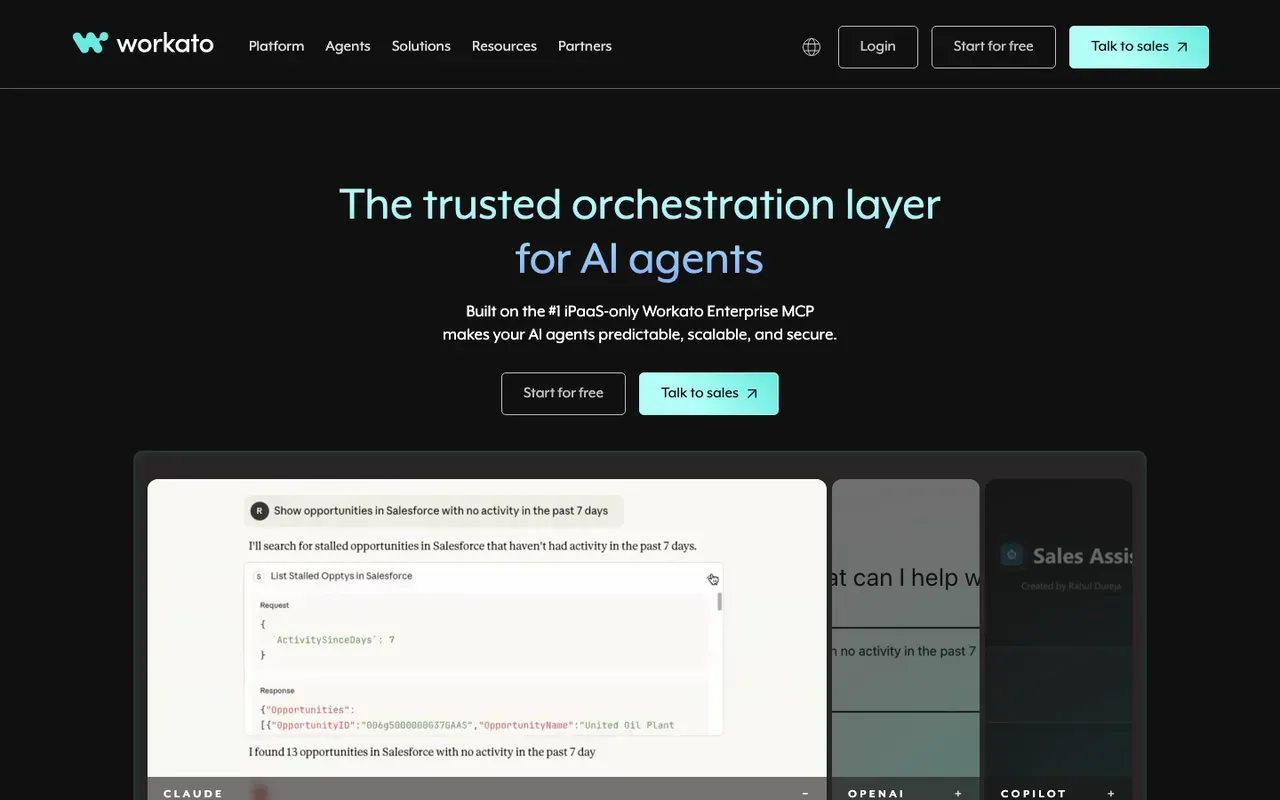
What it is: A senior iPaaS platform focused on enterprise integration with strong governance, observability, and security. Sales-led, custom-priced.
Where it wins:
- Enterprise-grade governance. RBAC, audit logs, environment promotion, multi-tenant management.
- Strong recipe library that accelerates common integrations.
- Real reliability for mission-critical loads.
- Solid AI/ML capability with RecipeOps and agent work.
Where it loses:
- Expensive. Enterprise pricing.
- Sales-led procurement - no self-serve sign-up.
- Overkill for SMBs and most mid-market.
- Closed platform.
Best for: Mid-market and enterprise needing governed, mission-critical integration with serious SLA requirements.
7. Tray.io - Best for embedded automation in SaaS products
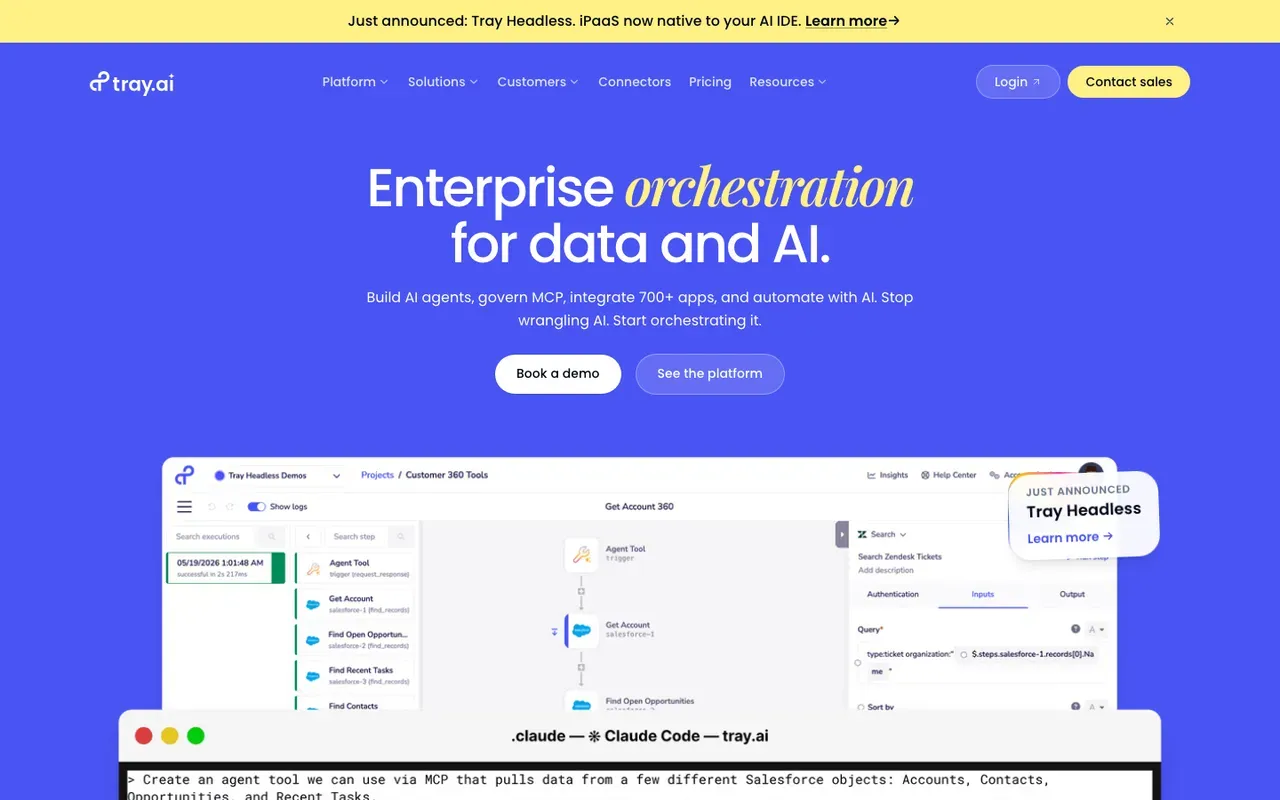
What it is: Enterprise iPaaS with a strong angle on embedded automation - building integrations as a feature of your own SaaS product.
Where it wins:
- Strong embedded-automation story - let your customers build integrations inside your product.
- Real branching and logic primitives.
- Enterprise governance and serious infrastructure.
Where it loses:
- Enterprise-only pricing.
- Sales-led procurement.
- Less broad consumer-SaaS catalog than Make or Zapier.
Best for: SaaS companies needing embedded integration capabilities, enterprises with complex internal integration patterns.
8. Pipedream - Best code-first serverless workflows
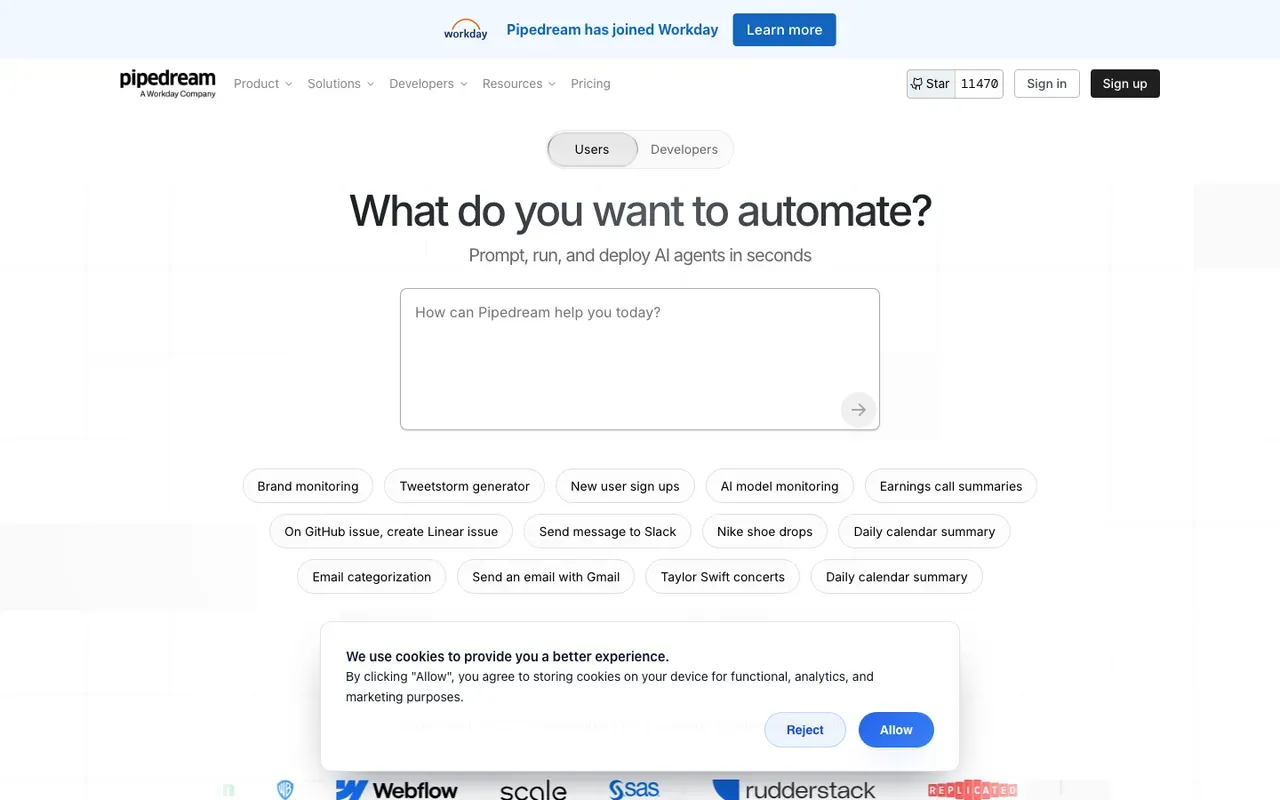
What it is: A serverless workflow platform built for developers. Every step can be a real Node.js, Python, Go, or Bash function. Pay-as-you-go pricing.
Where it wins:
- Code-first. Full npm/pip access in any step.
- Event-driven model - great fit for webhook-heavy work.
- Generous free tier.
- Fast iteration - workflows deploy instantly.
Where it loses:
- Less mature visual tooling than Make or n8n.
- SaaS only.
- Smaller team and brand presence than the leaders.
Best for: Developer teams who want code-first automation, event-driven integrations.
9. Gumloop - Best AI-native workflow tool
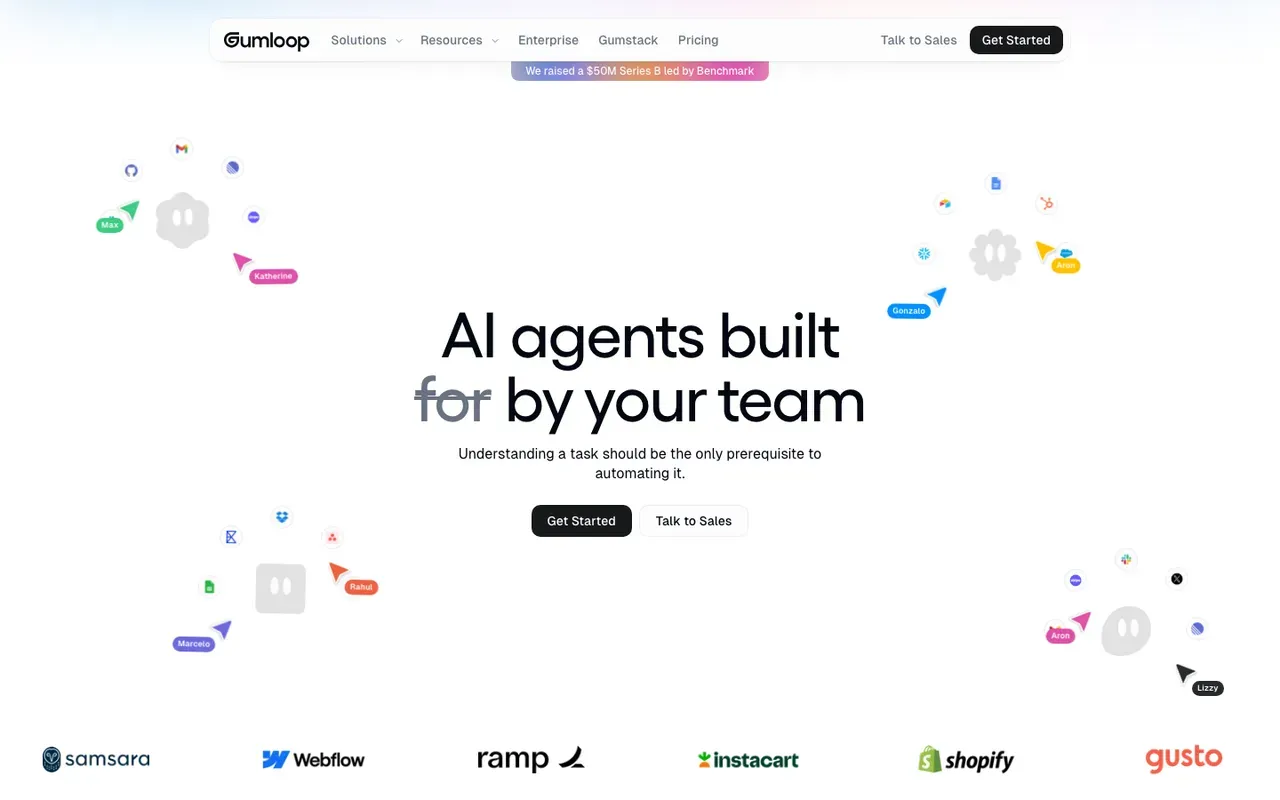
What it is: A newer entrant designed AI-first. Built around AI nodes - extract, summarize, classify, agentic patterns - rather than retrofitting AI onto a traditional engine.
Where it wins:
- AI is the design center, not a bolted-on feature.
- Friendly visual builder for multi-step AI pipelines.
- Good for content, research, lead-enrichment workflows.
Where it loses:
- Smaller integration catalog than the leaders.
- SaaS only.
- Less suitable for high-volume operational automation.
Best for: Content workflows, research pipelines, AI-first use cases that don’t need deep enterprise integration. See Gumloop vs n8n.
10. Automation Anywhere - Best for enterprise RPA and BPO
What it is: A major RPA platform alongside UiPath, with strong presence in BPO operations and shared-services centers. Cloud-native architecture with strong API automation alongside traditional UI bot work.
Where it wins:
- Strong cloud-native RPA architecture.
- Mature platform for BPO and shared-services operations.
- Solid AI document processing capabilities.
- Good partner ecosystem in the SI/consultancy space.
Where it loses:
- Enterprise pricing and sales-led procurement.
- Same maintenance overhead as any RPA platform - UI changes break bots.
- Overkill for modern API-first stacks.
Best for: Large enterprises with BPO operations, shared-services centers, regulated industries with significant legacy-system automation.
Tools we didn’t rank (and why)
A few honorable mentions:
- n8n alternatives in the open-source space (Node-RED, Activepieces, Huginn) - useful for specific cases but smaller communities and narrower fit than n8n.
- Boomi, MuleSoft, Informatica - serious enterprise iPaaS platforms, but the buying motion and price point puts them in a different conversation than the tools above.
- Notion / Airtable automations - useful inside their own ecosystems, not general-purpose automation tools.
- Built-in automation in SaaS tools (HubSpot Workflows, Salesforce Flow, etc.) - strong inside their own systems, but you’ll outgrow them for cross-system work.
- IFTTT - consumer-grade, not a serious business automation tool.
The cost framework
Approximate monthly cost at meaningful volume (~100,000 records/month):
| Tool | Typical monthly cost |
|---|---|
| n8n self-hosted | $30-$100 (infrastructure) |
| n8n Cloud | $50-$300 |
| Make | $100-$500 |
| Zapier | $400-$1,500+ |
| Power Automate | Often included with M365; premium extra |
| Pipedream | $50-$300 |
| Gumloop | $50-$300 |
| UiPath | $1,500+ (enterprise) |
| Workato | $2,000+ (enterprise) |
| Tray.io | $2,000+ (enterprise) |
| Automation Anywhere | $1,500+ (enterprise) |
Run your specific numbers on the workflow cost calculator.
How to decide
A four-question shortlist:
-
What’s the bill today and trajectory? Under $100/month and stable, don’t over-engineer. Past $200/month and growing, optimize.
-
What’s the team’s technical depth? Non-technical → Zapier or Make. Engineering-led → n8n or Pipedream. Microsoft-shop → Power Automate.
-
What’s the workflow complexity going to look like in 12 months? Real branching, AI agents, or self-hosting needs → n8n. Simple SaaS triggers → Zapier. Legacy system automation → RPA platform.
-
What’s your industry / compliance profile? Regulated, on-prem needs, or data residency → n8n self-hosted, Power Automate (gov clouds), or enterprise RPA. SaaS-comfortable mid-market → Make, n8n Cloud, Zapier.
Where AI automation fits
A note on the AI angle: every tool above has shipped AI features in the past two years. The depth varies enormously.
- Strongest AI capability today: n8n (native LangChain, vector stores, agents, local models), Gumloop (AI-first design), Power Automate (Copilot Studio + AI Builder for M365 estates).
- Solid AI module-level integration: Make, Zapier, UiPath.
- AI as part of broader iPaaS strategy: Workato, Tray.io, Automation Anywhere.
If AI workflows are a major part of your roadmap, weight that criterion heavily. See best AI automation tools for the AI-specific ranking.
Related reading
- n8n automation guide - the long-form pillar
- AI automation guide
- Top Zapier alternatives
- n8n vs Zapier: the complete comparison
- n8n vs Make: the honest 2026 comparison
- n8n vs Make vs Zapier
- AI automation vs RPA
- Best AI automation tools
- Workflow cost calculator
- Automation ROI calculator
If you’re trying to figure out which tool actually fits your shape of work - and where automation will pay back first - our Efficiency Scorecard is the fastest answer. 15 minutes, free, you keep the output regardless.