Best AI Automation Tools in 2026 (Ranked)
The best AI automation tools in 2026, ranked - n8n, Gumloop, Make, Power Automate, LangChain, Zapier, and more, with where each wins.
Jump to a section
- The short answer
- How we ranked these
- 1. n8n - Best for multi-step AI workflows with deep integration
- 2. Gumloop - Best AI-native visual canvas
- 3. LangChain / LlamaIndex - Best developer-first frameworks
- 4. Microsoft Power Automate + Copilot Studio - Best for Microsoft estates
- 5. Make - Best mid-complexity AI workflows
- 6. Zapier (with AI features) - Best simple AI glue
- 7. CrewAI / AutoGen - Best for multi-agent orchestration
- 8. Flowise - Best self-hosted no-code LangChain
- 9. Vellum / Humanloop - Best LLM ops platforms
- 10. Bardeen / Lindy - Best personal AI assistants
- How to pick: a decision framework
- Model providers vs workflow tools
- The AI workflow stack we typically use
- Related reading
The best AI automation tool in 2026 isn’t the one with the loudest marketing - it’s the one that fits the work you’re trying to ship. For multi-step AI workflows with deep integration, n8n leads. For AI-native canvas-style automation, Gumloop. For developer-first agent frameworks, LangChain or LlamaIndex. For Microsoft estates, Power Automate with Copilot Studio. For simple AI-in-a-zap shapes, Zapier and Make are fine.
This is the ranked roundup of the leading AI automation platforms. Each tool earns its slot; we’ll be clear about where each wins and loses.
The short answer
| Rank | Tool | Best for | Avoid if |
|---|---|---|---|
| 1 | n8n | Multi-step AI workflows, agents, RAG, deep integration | Total beginners; non-technical solo users |
| 2 | Gumloop | AI-native visual workflows, content/research pipelines | Heavy enterprise integration; high-volume ops |
| 3 | LangChain / LlamaIndex | Developer-first agent frameworks | Non-code teams; visual builders preferred |
| 4 | Power Automate + Copilot Studio | M365 estates, agents inside Microsoft tools | Outside the Microsoft ecosystem |
| 5 | Make | Mid-complexity AI workflows with visual canvas | High-volume; per-op pricing is a ceiling |
| 6 | Zapier (with AI features) | Simple AI-in-a-zap glue | Complex agents; high-task-volume |
| 7 | CrewAI / AutoGen | Multi-agent research and orchestration | Production ops without engineering capacity |
| 8 | Flowise | Self-hosted no-code LangChain | Teams wanting full workflow platform features |
| 9 | Vellum / Humanloop | LLM ops, prompt management, evaluation | Standalone workflow needs |
| 10 | Bardeen / Lindy | Personal AI assistants and lightweight agents | Mission-critical production work |
Pick by what shape of AI work you’re shipping. The ranking below reflects which tools the most teams will land on for general-purpose AI workflow automation.
How we ranked these
Five criteria, weighted in this order:
- Depth of AI capability. LLM provider coverage, RAG support, agent patterns, vector store integration, structured output, local model support.
- Production readiness. Error handling, monitoring, version control, environments - can you ship this to ops?
- Integration ecosystem. What systems can it talk to natively, and how easy is the rest?
- Cost at typical use. Build, run, model API costs, infrastructure.
- Maturity and longevity. Community, vendor stability, track record.
1. n8n - Best for multi-step AI workflows with deep integration
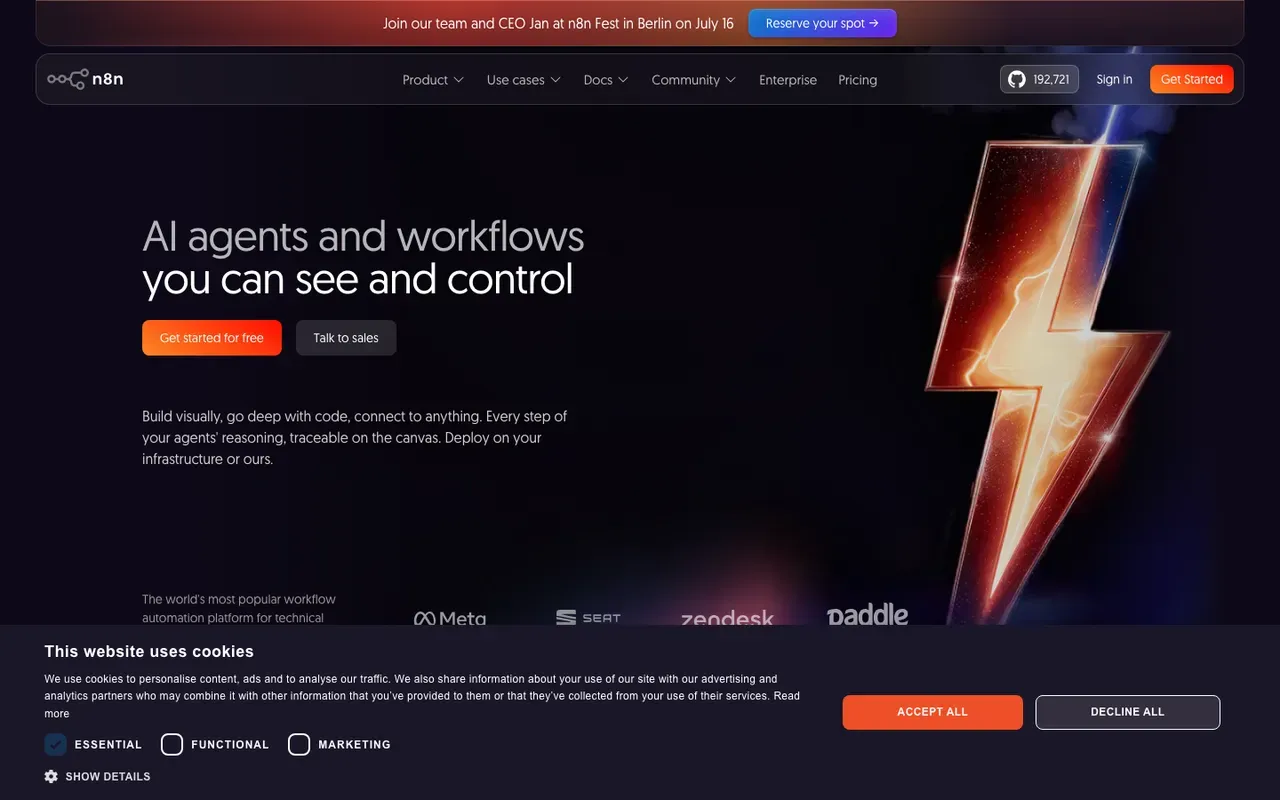
What it is: A source-available, node-based workflow engine. Visual canvas with deep code support. Native AI nodes for major LLM providers plus a full LangChain integration.
AI capabilities:
- Native nodes for OpenAI, Anthropic, Google Gemini, Mistral, Groq, Cohere
- Local model support via Ollama, LM Studio, vLLM, any OpenAI-compatible API
- LangChain integration with first-class nodes - Conversational Agent, Tools Agent, OpenAI Functions Agent
- Vector stores - Pinecone, Qdrant, Supabase, PGVector, Milvus, In-Memory
- Embeddings - OpenAI, Hugging Face, Cohere, Ollama
- Memory systems - buffer memory, window memory, vector store memory
- Structured outputs with schema validation
- Tool calling - expose any n8n workflow as a tool an agent can call
Where it wins:
- The deepest production AI workflow stack of any general-purpose automation platform
- Self-hostable for data residency and compliance
- Per-execution pricing on Cloud, free self-hosted
- Real branching, error workflows, observability
- Version control via JSON-in-Git
Where it loses:
- Steeper learning curve than a no-code AI tool
- Smaller pre-built integration catalog than Zapier for niche SaaS
- Less polished for non-technical first-time users
Best for: Production AI agents, RAG systems, document processing at scale, enterprise teams building AI workflows that need real ops support.
Deep dive: n8n automation guide, AI automation guide, how we use Flowise to build AI agents.
2. Gumloop - Best AI-native visual canvas
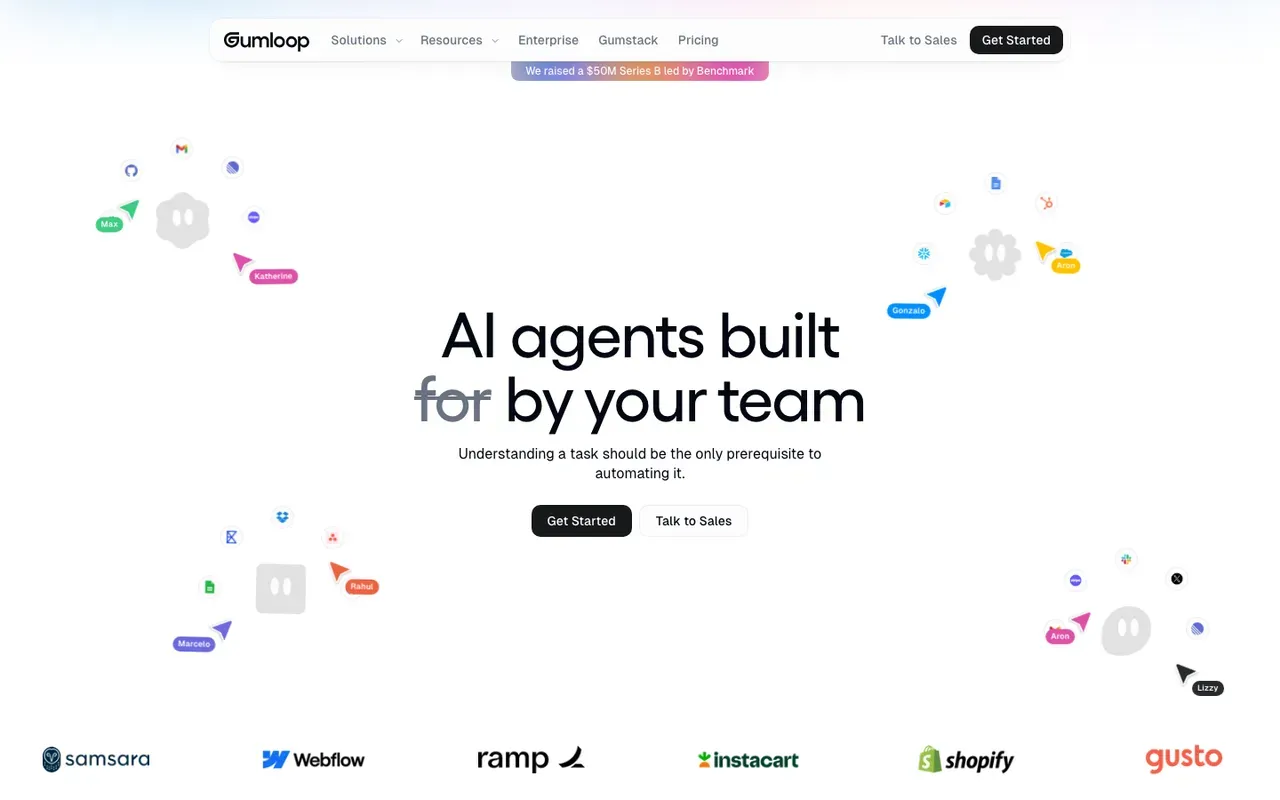
What it is: A newer workflow tool designed AI-first. The node library is built around AI primitives - extract, summarize, classify, agentic patterns - rather than retrofitting AI onto a traditional engine.
AI capabilities:
- Native nodes for major LLM providers
- AI-shape primitives built into the canvas (categorize, summarize, extract, scrape + understand)
- Agent-style flows with tool calling
- Document and web-page understanding
Where it wins:
- Cleanest AI-first UX in the category. Building an AI pipeline feels native, not bolted-on.
- Friendly visual builder
- Strong fit for content, research, and lead-enrichment work
Where it loses:
- Smaller integration catalog than Make, n8n, or Zapier - newer product, narrower reach
- SaaS only; no self-hosting
- Less suitable for high-volume operational automation that needs deep enterprise integration
- Smaller team and brand presence than the leaders
Best for: Content and research workflows, lead-enrichment pipelines, AI-first use cases that don’t need deep enterprise integration. See Gumloop vs n8n for the head-to-head.
3. LangChain / LlamaIndex - Best developer-first frameworks
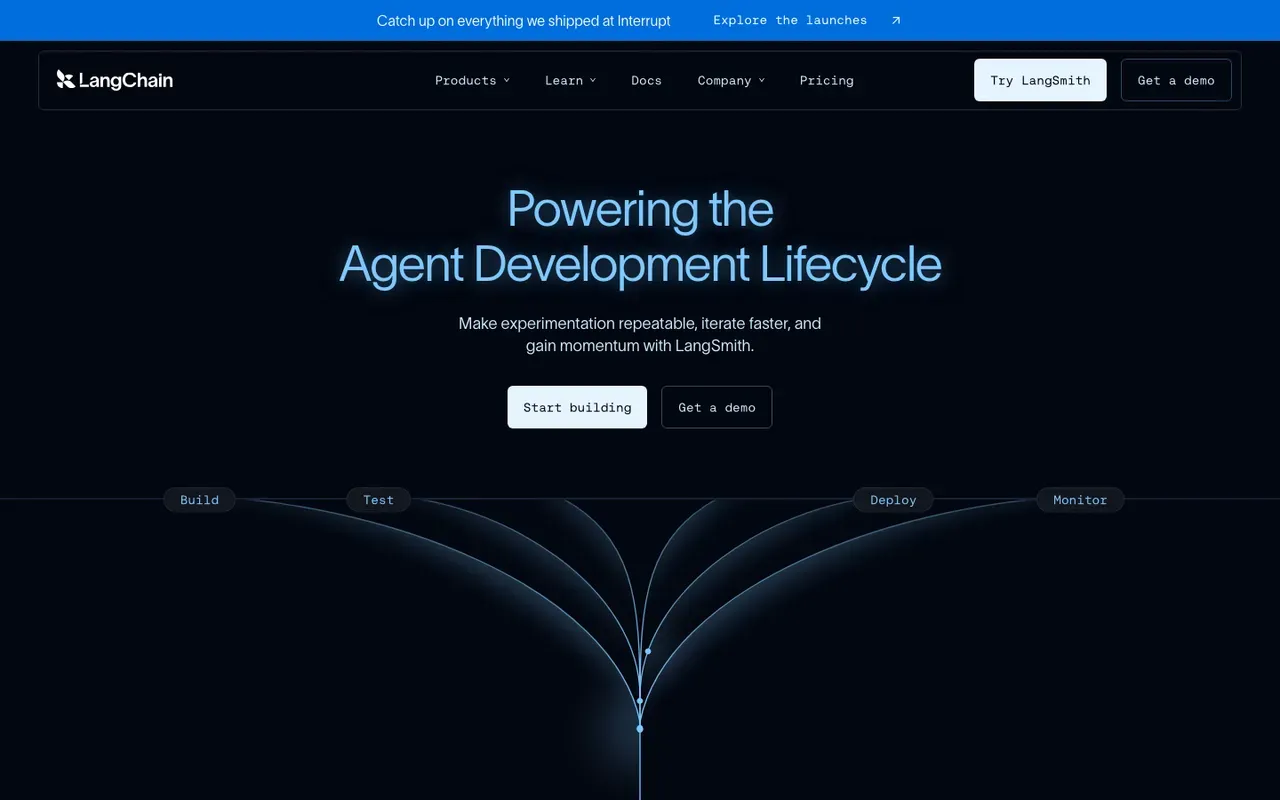
What they are: Open-source Python (and TypeScript for LangChain) libraries for building LLM-powered applications. LangChain is the broader workflow / agent framework; LlamaIndex specializes in retrieval and indexing for RAG.
AI capabilities:
- Full programmatic control over agent patterns, chains, retrievers, vector stores
- Massive provider ecosystem - LLMs, embeddings, vector DBs, document loaders
- LangGraph for stateful agent workflows
- LangSmith for tracing and evaluation
Where they win:
- Maximum flexibility - anything an LLM API can do, you can build
- Cutting-edge agent patterns ship in the library first
- Strong evaluation and tracing tooling
- Free and open-source
Where they lose:
- Pure code. Non-developers cannot use these.
- More moving parts than a visual workflow tool
- You’re responsible for hosting, scaling, monitoring, and integrations
Best for: Engineering teams building custom AI applications, complex multi-agent systems, applications where workflow tools aren’t flexible enough. Often used as the engine behind a custom internal product, not a general-purpose business automation tool.
4. Microsoft Power Automate + Copilot Studio - Best for Microsoft estates
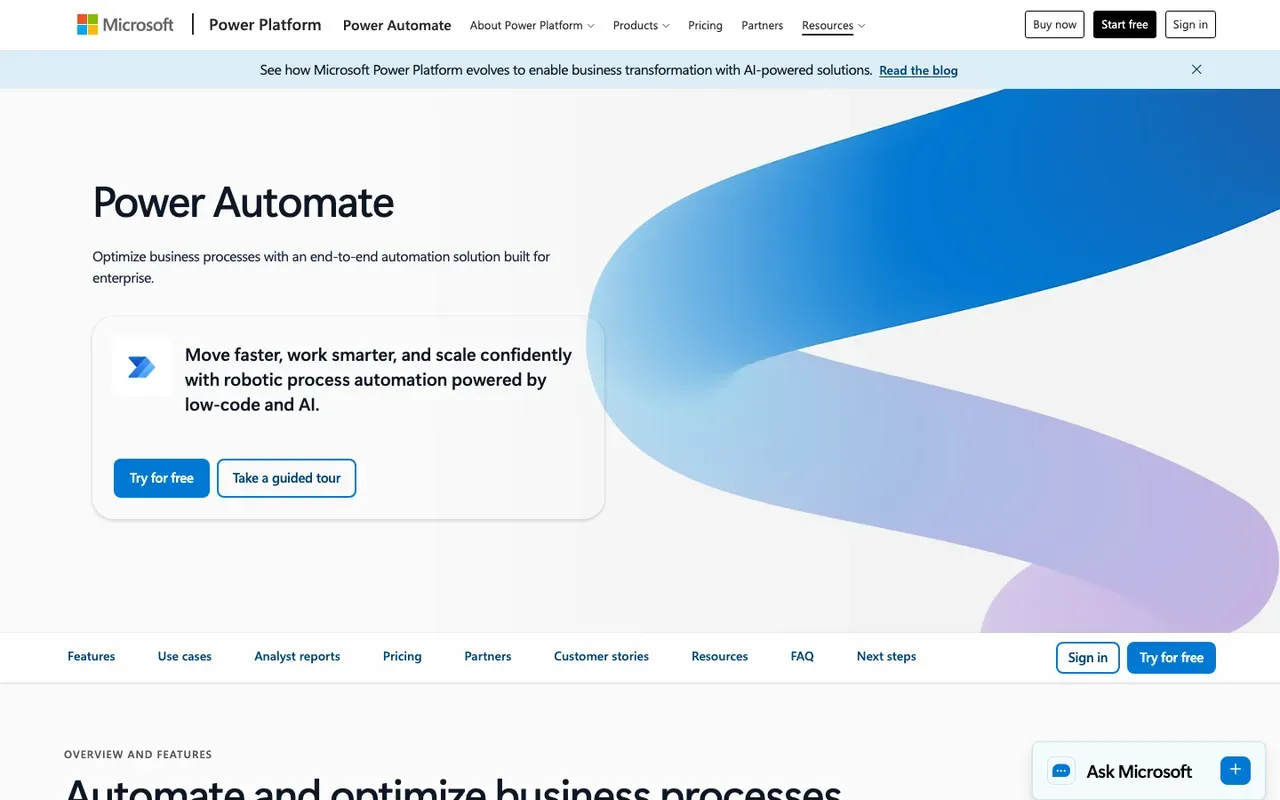
What it is: Microsoft’s automation platform with AI features layered in via Copilot Studio (the rebrand of Power Virtual Agents), AI Builder, and native integration with Azure OpenAI.
AI capabilities:
- Copilot Studio for building agents inside Microsoft 365
- AI Builder for document understanding, prediction, and form processing
- Native integration with Azure OpenAI Service
- Tight coupling with Microsoft Graph data (SharePoint, Outlook, Teams, OneDrive)
Where it wins:
- Bundled with M365 E3/E5 (with some premium gating)
- Deepest integration with Microsoft data sources
- Strong enterprise governance, DLP, audit
- RPA capability via Power Automate Desktop for legacy systems
Where it loses:
- Less friendly outside the Microsoft stack
- Premium connectors and AI Builder credits add up
- AI agent capability trails n8n and dedicated AI tools today
- More complex to use than Zapier or Make
Best for: M365-standardized enterprises building AI agents that operate on Microsoft data. The Copilot Studio + Graph integration is genuinely powerful inside that ecosystem.
For the broader Power Automate use cases, see top 10 Power Automate use cases.
5. Make - Best mid-complexity AI workflows
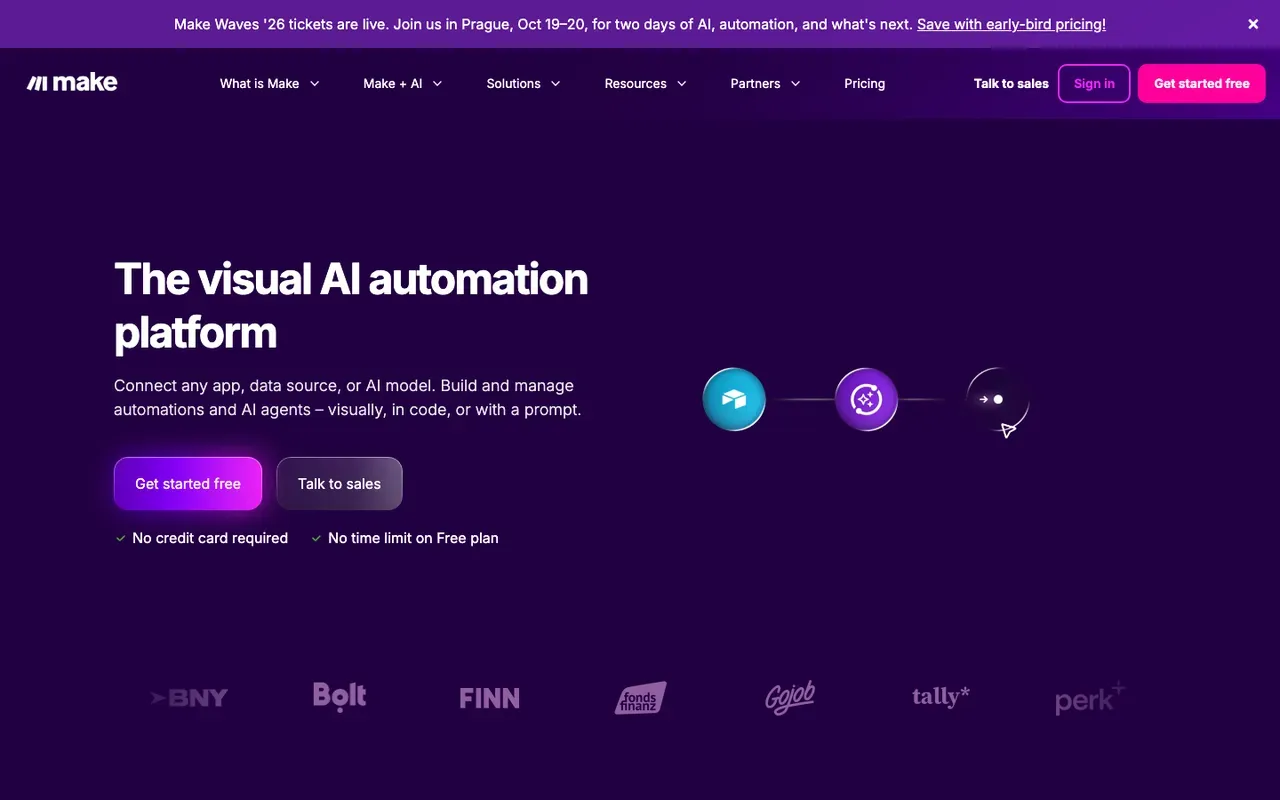
What it is: SaaS workflow automation built around a diagram-style visual canvas. Has shipped AI modules for OpenAI, Anthropic, Google, plus AI Agents (in beta).
AI capabilities:
- Module-level AI calls for major providers
- AI Agents capability for canvas-built agents
- Document AI / OCR modules
- Decent text-processing and embedding support
Where it wins:
- Friendliest mid-complexity AI canvas for non-developers
- ~1,800 integrations means most systems can be connected
- Clean visual representation of AI-shape workflows
Where it loses:
- Per-operation pricing burns at AI workflow scale (each module call counts)
- SaaS only; no self-hosting
- Smaller AI stack than n8n - no native LangChain, lighter vector store support
- AI agent capability less mature than n8n or dedicated AI tools
Best for: Mid-complexity AI workflows where the team prefers a visual canvas without code, the volume is moderate, and you don’t need deep agent capabilities. See n8n vs Make: the 2026 comparison.
6. Zapier (with AI features) - Best simple AI glue
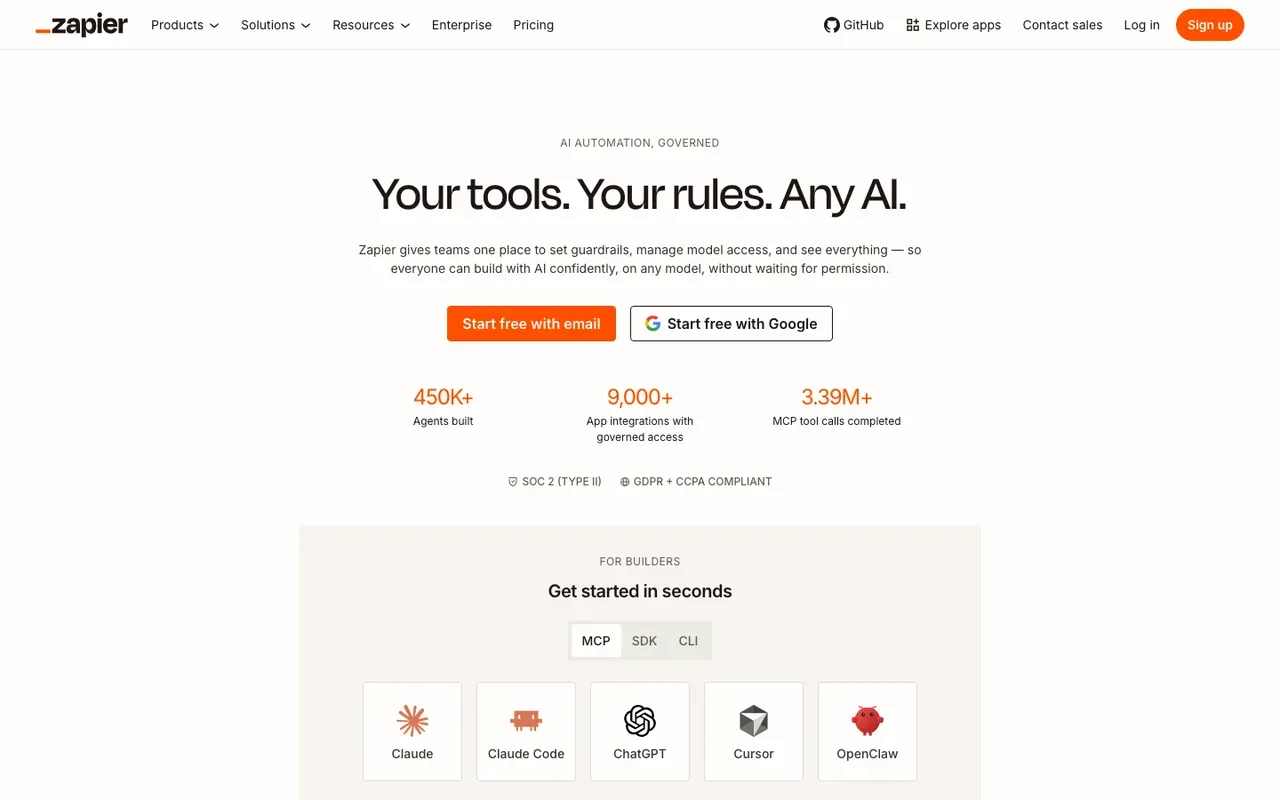
What it is: The original SaaS workflow tool. Has shipped Zapier AI Actions, AI by Zapier, Zapier Central, and Agents.
AI capabilities:
- Pre-built AI Actions for OpenAI, ChatGPT, Anthropic, Claude
- Zapier AI Actions API lets external models trigger Zapier actions
- Zapier Agents for lightweight agent-style flows
- AI by Zapier as a single-step LLM call
Where it wins:
- Easiest path to “ChatGPT-in-my-workflow”
- ~7,000 integrations means it can reach almost any tool
- Most beginner-friendly AI workflow tool for non-technical teams
- Strong community and recipes
Where it loses:
- Per-task pricing makes AI workflows expensive at scale
- Limited branching makes complex AI flows awkward
- Sandboxed code; limited custom logic
- AI agent capability lighter than the leaders
- No self-hosting
Best for: Simple AI-in-a-workflow shapes, non-technical teams adding light AI to existing Zaps, low-volume AI use cases. See n8n vs Zapier: the complete comparison.
7. CrewAI / AutoGen - Best for multi-agent orchestration
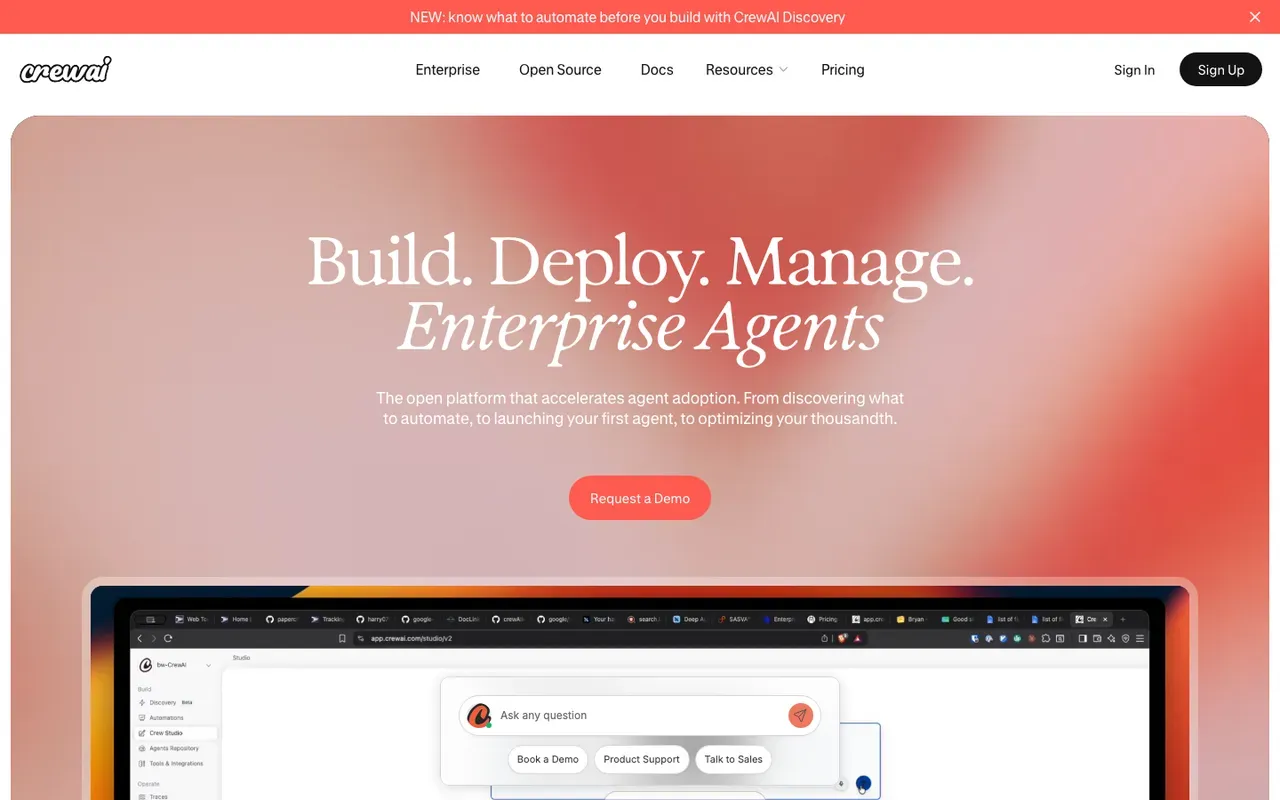
What they are: Open-source Python frameworks for multi-agent systems. CrewAI focuses on role-based agent teams; AutoGen (Microsoft) focuses on conversational multi-agent workflows.
AI capabilities:
- Multiple agents with distinct roles and tools coordinating on a task
- Conversation-driven agent orchestration
- Tool calling, memory, and state management
- Integration with major LLM providers
Where they win:
- Strongest specifically-multi-agent capability in the category
- Active research community; new agent patterns ship here first
- Free and open-source
Where they lose:
- Pure code, developer-only
- Production deployment requires substantial engineering work
- Less integration ecosystem than full workflow platforms
- Best for research and exploration; production ops needs scaffolding
Best for: Research-style multi-agent work, teams exploring frontier agent patterns, products built around agent collaboration.
8. Flowise - Best self-hosted no-code LangChain
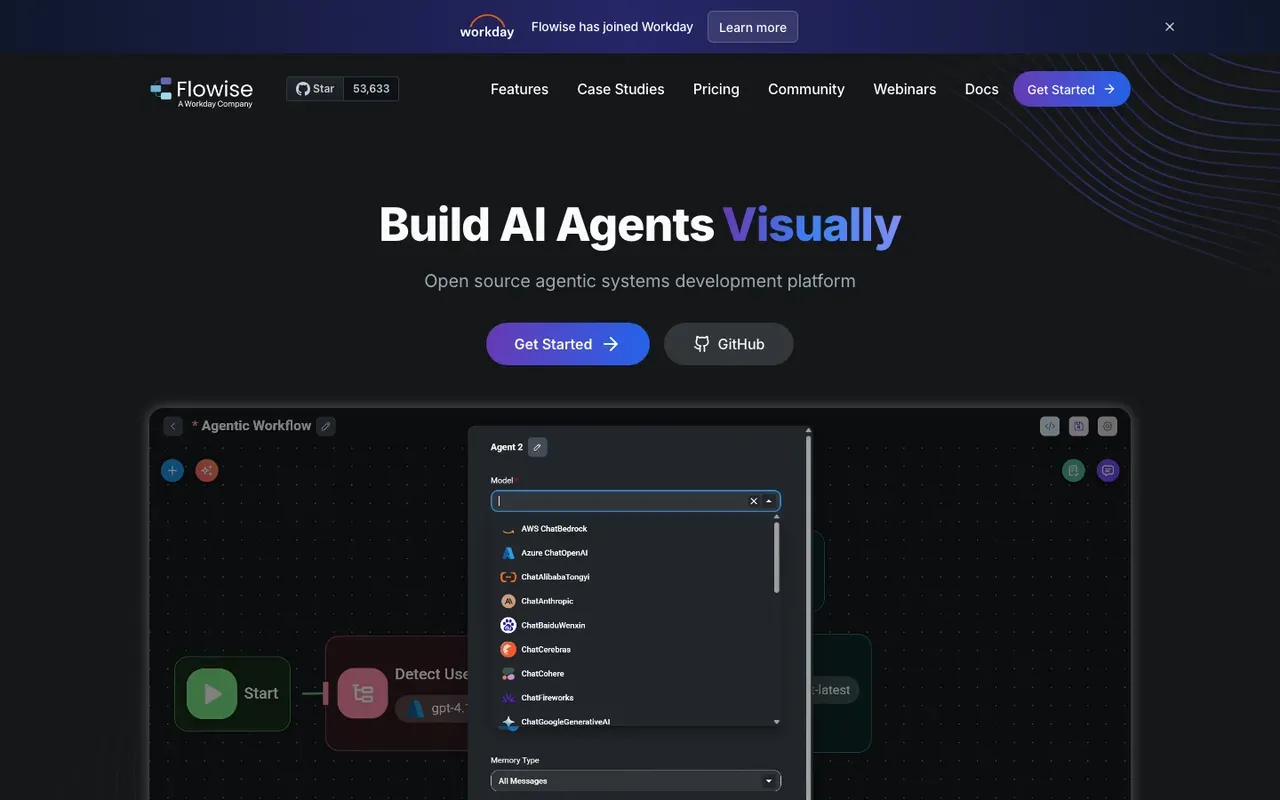
What it is: A self-hosted, open-source visual builder for LangChain-style flows. Drag-and-drop interface for building agents, chains, and retrievers without writing code.
AI capabilities:
- Visual LangChain - most LangChain primitives available as nodes
- Vector store support
- Agent and RAG patterns
- Self-hostable
Where it wins:
- Free and self-hosted
- No-code LangChain access
- Strong for prototyping agents and RAG systems
Where it loses:
- Smaller integration ecosystem than full workflow platforms
- Production ops scaffolding (monitoring, error handling, version control) is lighter
- Smaller community than the major workflow tools
Best for: Self-hosted AI prototyping, teams wanting no-code access to LangChain. We’ve written about how we use it in how we use Flowise to build AI agents.
9. Vellum / Humanloop - Best LLM ops platforms
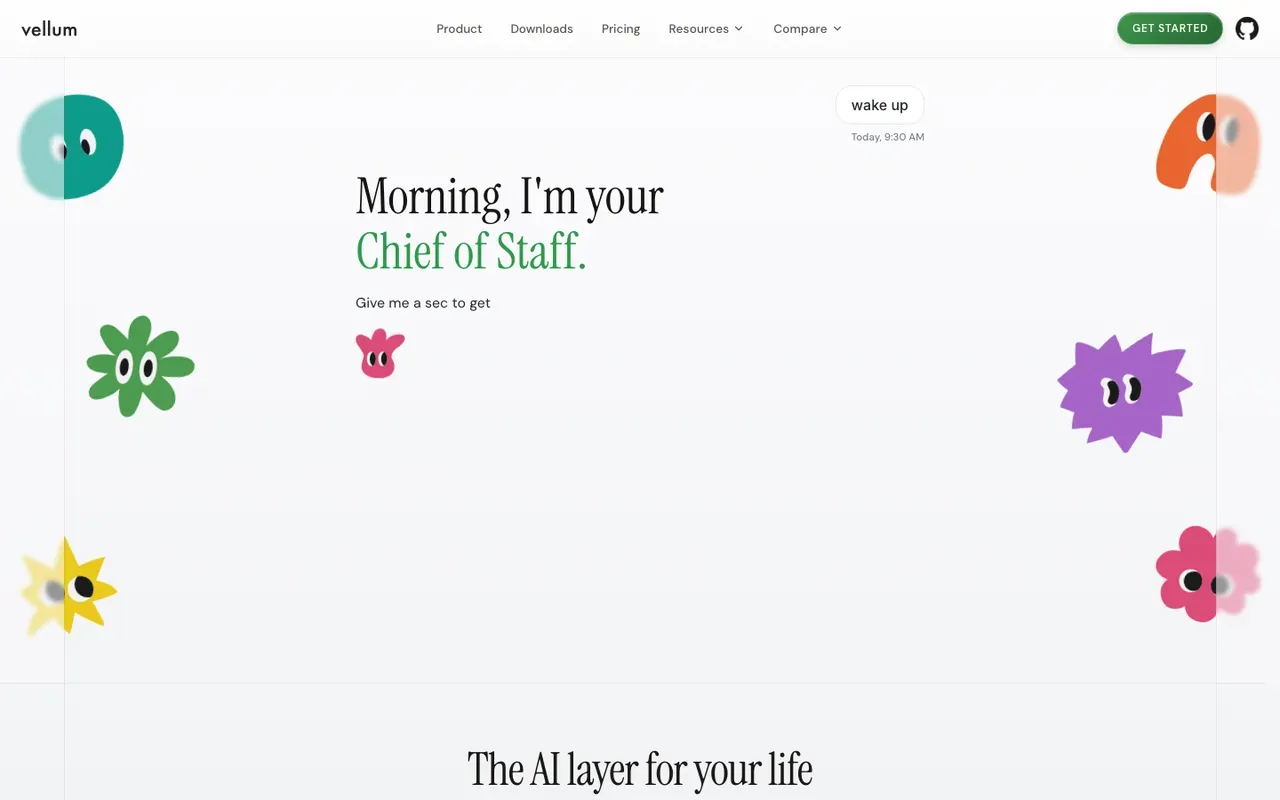
What they are: Platforms focused on prompt management, evaluation, and observability for LLM-powered applications. Not workflow tools themselves - they sit alongside whatever workflow platform you use.
AI capabilities:
- Prompt versioning, A/B testing, evaluation
- Production monitoring of LLM outputs
- Evaluation suites against test cases
- Integration with major LLM providers
Where they win:
- The right scaffold for production LLM applications at quality
- Continuous evaluation catches model drift and prompt regressions
- Cleaner team workflow around prompts than treating them as code-in-a-repo
Where they lose:
- Not standalone workflow tools - you still need orchestration
- Adds cost and complexity to your stack
- Overkill for low-volume use
Best for: Teams running production LLM applications at meaningful scale where prompt quality matters and drift is a real risk.
10. Bardeen / Lindy - Best personal AI assistants
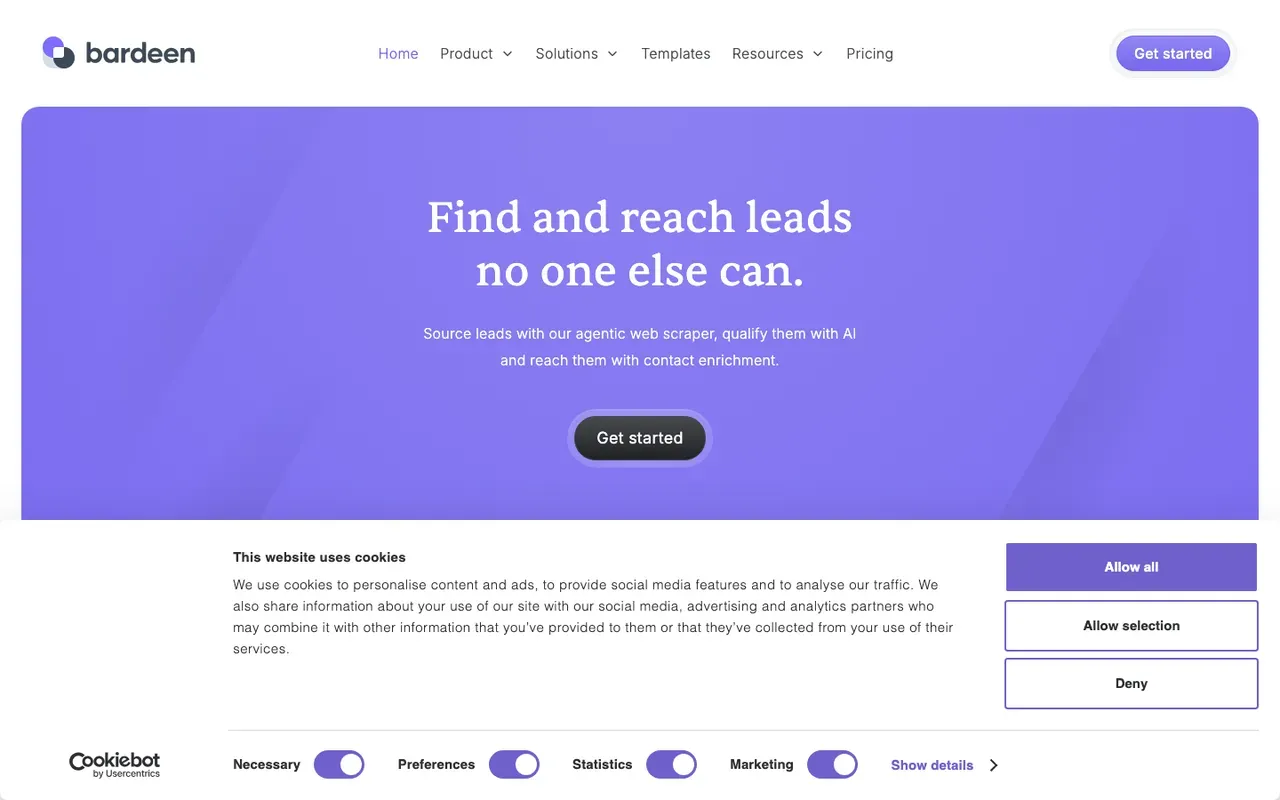
What they are: Lightweight AI assistants / agent platforms aimed at individual productivity. Bardeen runs as a browser extension; Lindy as a cloud-hosted assistant.
AI capabilities:
- Pre-built agent templates for common personal tasks
- LLM-driven scraping and form-filling
- Calendar, email, and meeting automation
Where they win:
- Easy onboarding for non-technical users
- Strong fit for personal productivity use cases
- Lower commitment than building agents in code or n8n
Where they lose:
- Not mission-critical production tools
- Lighter integration ecosystem
- Less suitable for cross-team workflows
Best for: Individual users automating their own work; small-team productivity boosts. Not the right pick for business-critical automation.
How to pick: a decision framework
Three questions get you most of the way:
-
What’s the shape of the AI work?
- Document/text extraction → n8n, Power Automate, Gumloop
- Content generation / drafting → n8n, Gumloop, Zapier
- Multi-step agents with tool calling → n8n, LangChain, Power Automate
- Multi-agent orchestration → CrewAI, AutoGen, LangGraph
- RAG / knowledge-base Q&A → n8n, LangChain, Flowise
- Simple LLM call inside a workflow → any of the major tools
-
What’s the team’s technical depth?
- Non-technical: Zapier, Make, Gumloop
- Mixed: n8n (with engineer-led setup), Power Automate
- Engineering-led: n8n, LangChain, custom code
-
What’s the deployment context?
- SaaS only: Make, Zapier, Gumloop, n8n Cloud
- Self-hosted: n8n, Flowise, LangChain
- Microsoft estate: Power Automate + Copilot Studio
- Cross-organization: Workato, n8n, Power Automate
For the broader automation tool roundup (not just AI), see best automation software. For the cost framework, workflow cost calculator and automation ROI calculator.
Model providers vs workflow tools
A clarifying note: the workflow tools above are orchestrators. They call AI model providers underneath. The major model providers - OpenAI, Anthropic, Google, Mistral, Cohere, Meta - all expose APIs that any workflow tool can hit.
Picking a workflow tool ≠ picking a model. You’ll typically pick both, separately, and switch them independently. A good workflow tool makes it cheap to swap models; a good model provider matters for the quality and economics of the AI work itself.
A few common provider combinations we see in production:
- OpenAI GPT-4 class for high-quality generation, smaller OpenAI or Anthropic models for classification
- Anthropic Claude for long-context document work, OpenAI for general
- Local models via Ollama for cost-sensitive high-volume work, frontier API models for the hard cases
- Gemini for multimodal (image + text) work, others for text-only
The AI workflow stack we typically use
For the curious - our default stack for client AI automation projects:
- n8n as the workflow orchestrator (self-hosted on a managed VM)
- OpenAI GPT-4 class and Anthropic Claude as primary LLM providers, mix by step
- Local models via Ollama for high-volume cheap-tier work
- Pinecone or Supabase PGVector for vector storage
- Postgres + Redis as n8n’s backing infrastructure
- Slack for human-in-the-loop steps
- Prometheus + Grafana for observability
- OpenAI/Anthropic usage APIs + a daily n8n workflow for cost tracking
This is a typical mid-volume production setup. The same stack scales up or down by 10x without restructuring.
Related reading
- AI automation guide - the long-form pillar
- n8n automation guide
- What is AI automation?
- Best automation software
- AI agents development
- How to implement AI automation
- AI automation use cases
- What is RAG and how to use it
- Gumloop vs n8n
- How we use Flowise to build AI agents
- Workflow cost calculator
If you’re trying to figure out which AI automation stack actually fits your business - and where AI will pay back first - our Efficiency Scorecard is the fastest answer. 15 minutes, free, you keep the output regardless.