Top Zapier Alternatives 2026 (Ranked) | 2V Automation
The best Zapier alternatives in 2026, ranked by who they're actually for - n8n, Make, Power Automate, Pipedream, Workato, Gumloop, and more.
Jump to a section
- The short answer (TL;DR)
- How we ranked these
- 1. n8n - The most common landing spot for teams leaving Zapier
- 2. Make - The cleanest visual canvas
- 3. Power Automate - The Microsoft 365 answer
- 4. Pipedream - Code-first developer automation
- 5. Workato - Enterprise iPaaS with governance
- 6. Tray.io - Embedded automation specialist
- 7. Gumloop - AI-native automation
- 8. IFTTT - Consumer-grade simple flows
- Who fits which alternative
- The cost framework
- Where Zapier still wins (being fair)
- How to decide
- Related reading
If you’re shopping for a Zapier alternative in 2026, the answer depends almost entirely on what you’re optimizing for. Cost at scale, you want n8n. Visual canvas with broad SaaS coverage, you want Make. Deep Microsoft 365 integration, Power Automate. Code-friendly and pay-as-you-go, Pipedream. Enterprise iPaaS with governance, Workato or Tray.io. AI-native automation, Gumloop or n8n.
This is the ranked roundup. Every tool listed earns its spot; we’ll say where each one wins and where it loses.
The short answer (TL;DR)
| Rank | Tool | Best for | Where it loses |
|---|---|---|---|
| 1 | n8n | Cost at scale, code, AI, self-hosting | Steeper learning curve than Zapier |
| 2 | Make | Visual scenarios, broad SaaS coverage | Per-operation pricing at high volume |
| 3 | Power Automate | Microsoft 365 / Dynamics ecosystems | Less friendly outside the MS stack |
| 4 | Pipedream | Code-first developers, event-driven flows | Less mature visual tooling |
| 5 | Workato | Enterprise iPaaS with governance | Expensive; sales-led procurement |
| 6 | Tray.io | Embedded automation, complex enterprise | Enterprise-only pricing |
| 7 | Gumloop | AI-native, agent-style workflows | Smaller integration catalog |
| 8 | IFTTT | Consumer-grade simple flows | Not a serious business alternative |
Pick by what you’re optimizing for, not by what tops the SERP. The ranking below is roughly by which tools the most teams will land on when leaving Zapier - but each has a strong case for the right user.
How we ranked these
Four criteria, weighted in this order:
- Total cost of ownership at meaningful scale. Zapier’s biggest weakness is per-task pricing at volume. A real alternative has to be materially cheaper for typical mid-volume operations.
- Capability past simple linear flows. Branching, loops, error handling, sub-workflows. Anything that requires real logic.
- Self-hosting or data residency options. Increasingly non-negotiable for regulated industries and security-conscious teams.
- AI workflow capability. Where the next 3 years of automation is going.
A tool’s rank reflects how many teams it’ll fit, not whether it’s “best.” For your specific use case, the right tool is the one that scores highest on your weighting of these four criteria. Run your specific numbers on the workflow cost calculator.
1. n8n - The most common landing spot for teams leaving Zapier

What it is: A source-available, node-based workflow engine. Visual canvas with deep code support. SaaS (n8n Cloud) or self-hosted under the Sustainable Use License (which replaced the earlier fair-code license in late 2022).
Why it wins:
- Per-execution pricing on Cloud instead of per-task. A workflow processing 500 records is one execution, not 500 tasks.
- Free self-hosted - no software fee, pay only for your VM ($20-$50/month for typical workloads).
- Full JavaScript and Python in Code nodes, plus custom TypeScript nodes for recurring patterns.
- Real branching primitives - IF, Switch, Merge, Split In Batches, sub-workflows, error workflows.
- Native AI stack with LangChain integration, vector stores, agent builder, local model support.
- Workflows-as-JSON - diff in Git, promote between environments, version control.
Where it loses:
- Steeper learning curve than Zapier. Plan on a week of hands-on building if you’ve never touched a workflow tool before.
- Smaller pre-built integration catalog (~500 vs Zapier’s ~7,000), though the HTTP node closes the gap for anything with an API.
- Less friendly for non-technical operators; better fit for technical users.
Best for: Teams past 2,000 Zapier tasks/month, anyone building AI workflows, regulated industries needing self-hosting, ops teams running production automation at scale.
For the deep dive, see n8n vs Zapier: the complete comparison and our n8n automation guide.
2. Make - The cleanest visual canvas
What it is: SaaS workflow automation built around a diagram-style visual canvas. Modules connect with lines, iterators and aggregators are explicit, scenarios run on triggers or schedules. Owned by Celonis since 2020.
Why it wins:
- Visual clarity. The diagram canvas is the most readable in the category - you can see the shape of a scenario at a glance.
- ~1,800 first-party app integrations, including most of the long tail Zapier covers.
- Real branching primitives (routes, filters, iterators, aggregators) - more capable than Zapier Paths.
- Friendly to mid-complexity work - non-developers can build genuinely powerful scenarios.
Where it loses:
- Per-operation pricing. Each module-invocation per record is one operation; loops over arrays burn ops fast.
- SaaS only. No self-hosting, no data residency options.
- Limited code - small inline JavaScript, no Python, no custom modules.
- Smaller AI stack than n8n - module-level AI calls plus agents in beta.
Best for: Visual thinkers building moderately complex SaaS automation, teams that need broad consumer-SaaS coverage, non-technical operators graduating from Zapier.
See n8n vs Make: the honest 2026 comparison for the full head-to-head.
3. Power Automate - The Microsoft 365 answer
What it is: Microsoft’s workflow automation product, deeply integrated with the Microsoft 365 and Dynamics ecosystems. Included with most M365 enterprise SKUs at no extra cost for the basic flows; premium connectors and RPA features cost extra.
Why it wins:
- Bundled with M365. If you already pay for Microsoft 365 E3/E5, basic Power Automate is included.
- Deepest M365 integration. SharePoint, Teams, Outlook, OneDrive, Dataverse, Dynamics - the integrations are first-class, not bolted on.
- Strong enterprise governance. DLP policies, environments, lifecycle management, RBAC.
- Desktop flow / RPA capability - for legacy app automation where there’s no API.
Where it loses:
- Less friendly outside the Microsoft stack. Non-M365 connectors work but feel like second-class citizens.
- Premium connectors get expensive. Many useful third-party connectors require premium licensing.
- UI is more complex than Zapier or Make for first-time users.
- Less serious AI-agent capability today than n8n or Gumloop, though Copilot Studio is closing the gap.
Best for: Enterprises standardized on Microsoft 365, teams automating internal M365 workflows, organizations needing strong enterprise governance, RPA-style automation of legacy apps.
For the full breakdown, see our top 10 Microsoft Power Automate use cases.
4. Pipedream - Code-first developer automation
What it is: A serverless workflow platform built around developers. Visual canvas with deep code support - every step is a real Node.js, Python, Go, or Bash function. Pay-as-you-go pricing.
Why it wins:
- Code-first. Drop into a Node.js or Python function inside any step with full npm/pip access.
- Event-driven model. Built around triggers; great fit for webhook-heavy and API-driven workflows.
- Generous free tier for low-volume use.
- Fast iteration - workflows deploy instantly, code reloads live.
- Cheap at moderate volume - pay-as-you-go credits rather than monthly tier subscriptions.
Where it loses:
- Less mature visual tooling than Make or n8n for non-developers.
- SaaS only - no self-hosting option.
- Smaller team and brand presence than the leaders; some teams worry about long-term stability.
- Lighter AI agent stack than n8n or Gumloop today.
Best for: Developer teams who want code-first automation, event-driven integrations, lightweight serverless workflows.
5. Workato - Enterprise iPaaS with governance
What it is: A senior member of the iPaaS category. Enterprise-focused integration platform with a strong governance, observability, and security story. Sales-led, custom-priced.
Why it wins:
- Enterprise-grade governance. RBAC, audit logs, environment promotion, multi-tenant management.
- Strong recipe library - Workato’s pre-built recipes accelerate common integrations.
- Real reliability - built for mission-critical enterprise integration loads.
- Solid AI/ML capability in the platform, with their RecipeOps and AI agent work.
Where it loses:
- Expensive. Enterprise pricing - typical deals start in the tens of thousands annually.
- Sales-led procurement - no self-serve sign-up, demos and contracts required.
- Overkill for SMBs and most mid-market teams.
- Less open than n8n - closed-source, no self-hosting in the classic sense.
Best for: Mid-market and enterprise organizations needing governed, mission-critical integration with serious SLA requirements.
6. Tray.io - Embedded automation specialist
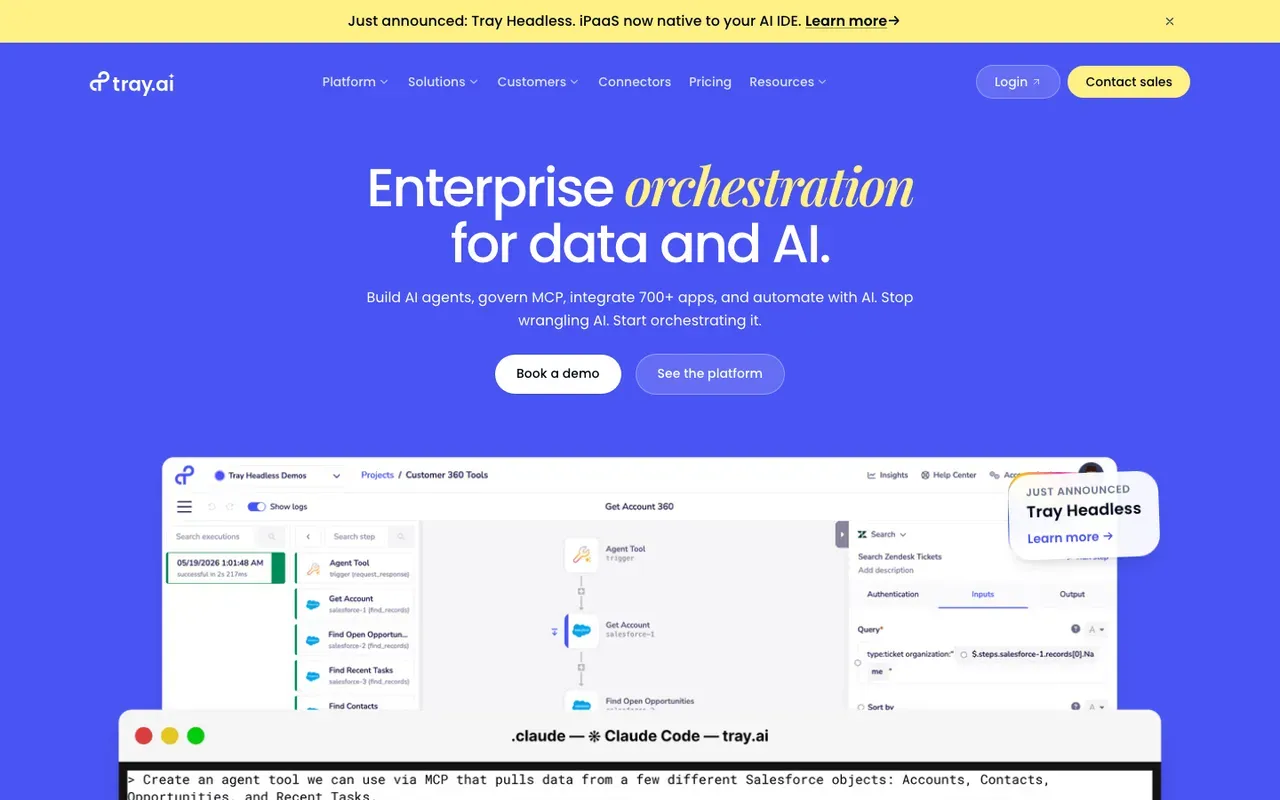
What it is: Enterprise iPaaS with a strong angle on embedded automation - building automation features inside your own product, not just for internal use. Now owned by Tray Technologies / Merge AI.
Why it wins:
- Strong embedded-automation story - letting you offer integrations as a feature of your SaaS product.
- Real branching and logic primitives.
- Enterprise governance and serious infrastructure.
- Robust support for complex enterprise integration patterns.
Where it loses:
- Enterprise-only pricing. Not relevant for SMBs.
- Sales-led procurement.
- Less broad consumer-SaaS catalog than Make or Zapier.
Best for: SaaS companies needing embedded integration capabilities, enterprises with complex internal integration patterns.
7. Gumloop - AI-native automation
What it is: A newer entrant in the workflow automation space designed AI-first. The product is built around AI nodes - extract, summarize, classify, agentic patterns - rather than retrofitting AI onto a traditional workflow engine.
Why it wins:
- AI is the design center, not a bolted-on feature. The node library is built for AI-driven workflows.
- Friendly visual builder. Easy to assemble multi-step AI pipelines.
- Good for content, research, and data-extraction workflows.
Where it loses:
- Smaller integration catalog than Make, n8n, or Zapier - newer product, narrower reach.
- SaaS only, no self-hosting today.
- Less suitable for high-volume operational automation that needs deep system integration.
Best for: Content workflows, research and lead-enrichment pipelines, AI-first automation use cases that don’t need deep enterprise integration.
For more, see Gumloop vs n8n - our honest head-to-head.
8. IFTTT - Consumer-grade simple flows
What it is: The original “if this, then that” automation tool. Very simple two-step recipes between consumer services. Has expanded into Pro and Pro+ tiers with more capability, but remains primarily consumer-focused.
Why it wins:
- Simplest of all the tools. Recipes are two-step affairs.
- Cheap. Pro plans are under $5/month.
- Strong IoT/consumer device integration.
Where it loses:
- Not a serious business automation tool. Limited branching, no real logic, no error handling.
- Smaller business-app catalog than Zapier, Make, or n8n.
- Doesn’t scale to operational use.
Best for: Personal automation, smart-home use, very simple personal-productivity flows. Not a Zapier replacement for business use.
Who fits which alternative
A simple matching exercise. Pick the description that fits you best:
-
“We’re past $200/month on Zapier and it’s growing.” → n8n (Cloud or self-hosted depending on ops capacity). Our Zapier-to-n8n migration guide walks the steps.
-
“We’re not ready to leave Zapier-style simplicity, but we need more branching.” → Make. The visual canvas plus real branching is the friendliest mid-ground.
-
“We’re standardized on Microsoft 365 and everyone has M365 licenses.” → Power Automate. The bundling alone usually justifies it.
-
“We’re a developer team and want code-first automation.” → Pipedream or n8n self-hosted. Both give you real code. Pipedream is friendlier for serverless event-driven shapes; n8n is more powerful for visual + code hybrids.
-
“We’re an enterprise with governance and reliability requirements.” → Workato or Tray.io for the big buy; n8n Enterprise for the open-platform alternative.
-
“We’re building AI agents and AI-heavy workflows.” → n8n (most mature stack) or Gumloop (AI-first design center). If you would rather have an AI automation agency scope and build it, that route skips the tool-selection question entirely.
-
“We’re a non-technical SMB and Zapier is just too expensive.” → Try Make first. If you need code or self-hosting, n8n. If you’re deep into M365, Power Automate.
The cost framework
Across all these tools, the cost framework looks roughly like this at meaningful volume (a workflow processing ~100,000 records/month):
| Tool | Typical monthly cost at that volume |
|---|---|
| Zapier | $400-$1,500+ |
| Make | $100-$500 |
| n8n Cloud | $50-$200 |
| n8n self-hosted | $30-$100 (infrastructure only) |
| Power Automate | Often included with M365 E3/E5; premium connectors extra |
| Pipedream | $50-$200 |
| Workato | $1,500+ (enterprise pricing) |
| Tray.io | $2,000+ (enterprise pricing) |
| Gumloop | $50-$200 |
These are approximate ranges based on the structural pricing model of each tool, not commitments. Run your specific numbers on the workflow cost calculator and against the automation ROI calculator.
Where Zapier still wins (being fair)
Before listing alternatives, the case for staying:
- Speed to first automation. Sign up to running zap in 15 minutes. Nothing else is that fast.
- Breadth of integrations. ~7,000 apps, including every niche consumer SaaS.
- Non-technical operability. Marketers, support managers, and sales ops can build and maintain Zaps with no help.
- Community library. Thousands of pre-built recipes to copy from.
- Mature platform. Reliability and support are excellent.
For low-volume, simple, SaaS-only workflows by non-technical teams, Zapier is still the right answer. The alternatives matter when you outgrow that shape.
How to decide
Three questions:
-
What’s the bill today, and what’s the trajectory? If you’re under $100/month and stable, the alternatives aren’t worth the migration cost. If you’re past $200/month and growing, the migration math starts working.
-
What’s the workflow complexity going to look like in 12 months? If you’re going to need real branching, AI agents, or self-hosting, picking an alternative now saves you a second migration later.
-
What’s your team’s technical depth? Non-technical teams stay closer to Zapier or Make. Engineering-led teams get more out of n8n, Pipedream, or self-hosted setups.
Related reading
- n8n automation guide - the long-form pillar
- n8n vs Zapier: the complete comparison
- n8n vs Make: the honest 2026 comparison
- n8n vs Make vs Zapier: which automation tool wins?
- How to migrate from Zapier or Make to n8n
- Make vs Zapier: which wins?
- Top 10 Microsoft Power Automate use cases
- Gumloop vs n8n
- Workflow cost calculator
If you’re trying to decide which Zapier alternative actually fits your business - and where automation will pay back first - our Efficiency Scorecard is the fastest answer. 15 minutes, free, you keep the output regardless. And if you would rather have it built for you, our n8n automation agency handles the migration and the build.