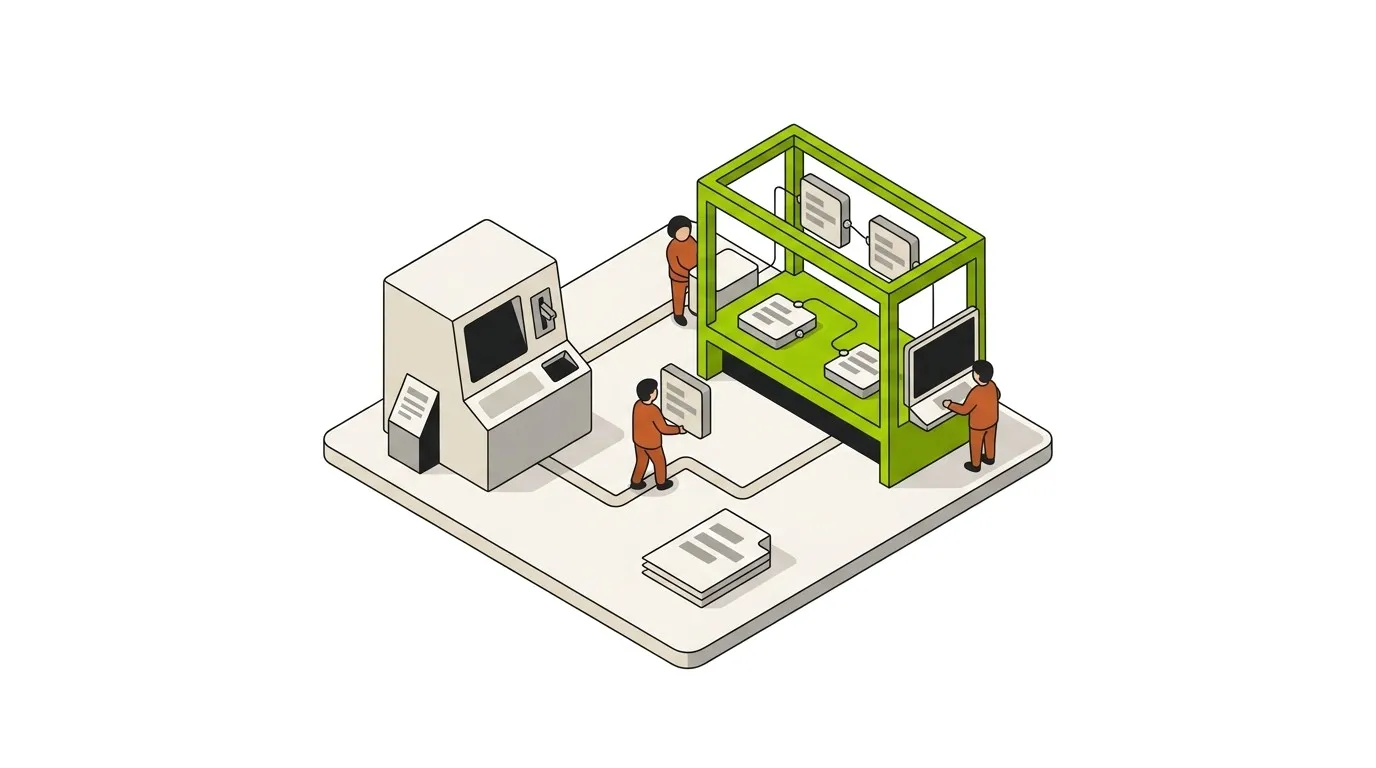
n8n has no one-click import for Zapier. You rebuild each workflow by hand. That sounds slow, but it is not. Most simple Zaps take 10 to 15 minutes to redo. This guide shows the full path: when to switch, how to export your Zaps, how to map each part to an n8n node, and how to test before you cut over.
We focus on Zapier here. The steps work the same way for Make, with one small change noted later.
Should you move from Zapier to n8n?
n8n is not the right tool for everyone. The switch pays off in some cases and adds work in others. Here are the signs it is time to move.
Move to n8n when:
- Your Zapier bill passes about $50 a month.
- You run more than 5 to 10 active Zaps.
- You need custom code, a private API, or complex branching.
- You want to host your own data for privacy or compliance.
- You or a teammate can handle basic server setup.
Not every team gains from the change. Some are better off where they are. The next list shows when to stay put.
Stay on Zapier when:
- You run one or two simple Zaps.
- You have no one to manage a server.
- You only want to test an idea fast.
If you fit the first list, n8n gives you room to grow without rising fees. If you fit the second, the move may cost more time than it saves. The full n8n vs Zapier comparison goes deeper on the tradeoffs if you are still on the fence. If Make is your starting point instead, the n8n vs Make breakdown covers that side.
What changes when you switch
The biggest change is how you pay. Zapier bills per task. Every step in a Zap counts: each trigger, action, filter, and formatter. A seven-step order workflow burns seven tasks per run. Process 200 orders a day and that is 1,400 tasks a day. Failed runs still cost tasks, even when the workflow breaks halfway.
n8n counts the whole workflow as one execution. The number of nodes does not matter. Self-hosted n8n has no task cap at all. You pay for the server, not the runs. The n8n pricing breakdown has the full math.
n8n also gives you more control. You can run it in the cloud or on your own server. You can write JavaScript or Python inside a workflow. You can branch, loop, and handle errors in ways Zapier limits.
Step 1: Export your Zaps
Start by pulling your workflow data out of Zapier. The export holds your structure: triggers, actions, filters, and paths. It does not include your credentials or API keys, so it is safe to share for review.
To export from Zapier:
- Log in and open your account settings.
- Find the data section (Security and Data).
- Choose the option to download your Zaps.
- Wait for the JSON file, which may arrive by email.
For Make, open a scenario, click the ”…” menu, and pick Export Blueprint.
n8n has an “Import from File” button. It rarely works well with Zapier JSON, since the two tools are built in different ways. Treat the export as a reference, not a direct import. You read from it and rebuild by hand.
Step 2: Audit and prioritize
Do not rebuild blindly. List every active Zap first. A simple spreadsheet works well. For each Zap, note the trigger, the actions, the step count, the monthly tasks, and how critical it is to your work.
This list shows you two things. It shows your most expensive Zaps, which save the most once moved. It also shows dead Zaps you can drop. Many teams find old Zaps they no longer need.
Move your top one or two workflows first. Learn the tool on those. Save the complex ones for when you know n8n well. This order keeps early mistakes small.
Step 3: Map Zapier parts to n8n nodes
Each piece of a Zap has a match in n8n. Once you know the map, rebuilding feels familiar. The editor even looks similar: settings on the right, data on the left.
| Zapier concept | n8n equivalent |
|---|
| Trigger | Trigger node (Webhook, Schedule, or an app trigger) |
| Action | Native app node, or HTTP Request when no native node exists |
| Filter or Paths | IF node or Switch node |
| Code by Zapier | Code node, with full JavaScript or Python |
| Formatter | Set node, or Code node for harder cases |
n8n makes some logic plain that Zapier hid. A date format or a filter needs its own node here. That is more setup, but you gain control. You can combine conditions, read nested JSON, and build real branches.
Step 4: Rebuild and test in parallel
Open your top workflow from Step 2. Build it in n8n node by node, using your export as a guide. n8n lets you run one node at a time. You can see the input and output at each step, which makes fixing problems easy.
Do not switch off Zapier yet. Run both tools at once for a few days. Send the same trigger to both, such as one webhook to Zapier and n8n together. Compare the results. When the outputs match on real data, you know the n8n version works.
Step 5: Switch over and watch
Once a workflow proves itself, you can retire the Zap. Move with care, one workflow at a time. The list below keeps the cutover safe.
At switchover:
- Turn off the matching Zap.
- Watch the n8n execution logs for 24 to 48 hours.
- Set up daily backups of your data.
- Add an error workflow to catch failures.
Repeat this for each workflow. A slow, steady cutover beats a rushed one. You keep your business running while you move, and you can roll back fast if a run looks wrong.
If you self-host: setup basics
Self-hosting gives you the lowest cost and the most control. It also makes you the admin. A few choices early on save you pain later.
Run n8n in Docker. Use PostgreSQL for the database, not the default SQLite. SQLite locks up under load and causes failed runs. Mount a volume to /home/node/.n8n so your work survives a restart. Set the N8N_ENCRYPTION_KEY and back it up. If you lose that key, n8n cannot read your saved credentials. For high volume, turn on queue mode with Redis to spread runs across workers.
The n8n setup and installation guide walks through the production-grade Docker Compose recipe end to end.
Common migration problems and fixes
A few issues come up again and again. Most have quick fixes. Knowing them in advance saves hours.
| Symptom | Fix |
|---|
| Workflows vanish after a restart | Mount a volume, or move to PostgreSQL |
| The server runs out of memory | Split large data with the SplitInBatches node |
| Webhooks return a 404 | Set WEBHOOK_URL to your public address |
| A failed step kills the whole run | Add an Error Trigger workflow |
| Lost encryption key | Re-enter every credential. Back the key up before this happens. |
| OAuth will not connect | Create your own client ID and secret in each app |
None of these are hard once you spot the cause. Fix them early and your move stays smooth.
What it costs
Cost is the main reason most teams switch. The numbers are easy to compare. Here is the rough picture.
| Option | Monthly cost | Notes |
|---|
| Zapier paid plans | Tens to hundreds | Rises with task count. Failed runs still bill. |
| Self-hosted n8n | A few dollars a month | Small VPS plus backups. Software is free. |
| n8n Cloud | Fixed monthly fee | No task counting, no server to manage. |
The real trade is time, not money. Expect a weekend or two for the first setup, then a couple of hours a month for updates and checks. Self-hosting saves the most but asks the most of you. n8n Cloud sits in the middle.
Run your specific numbers through our workflow cost calculator to see what you would save against your current Zapier bill.
When to call us
Most teams can do this migration themselves. A weekend of focus on the top two or three workflows gets the bulk of the value. The harder cases are the ones where:
- You have 30+ active Zaps and no clear inventory of what each one does.
- Your workflows touch regulated data and the audit trail matters.
- You have a queue-mode-scale production volume from day one and cannot run in parallel.
If you fit any of those, the Automation Discovery Week is a faster path. It maps your current workflows, prioritizes the ones worth migrating first, and gives you a fixed-scope migration plan you can run yourself or hand to us. Or, if you would rather have us run it, our n8n automation agency handles the migration end to end. See our done-for-you Zapier to n8n migration for how the parallel-run, zero-downtime cutover works.
Conclusion
Moving from Zapier to n8n is manual, but it is not hard. First check if the switch fits your case. Export your Zaps, list them, and map each part to an n8n node. Rebuild your top workflow, run it next to Zapier, and switch only when the results match. Go one workflow at a time. With each step you gain lower costs, more control, and room to grow. If you want a partner on the build instead of the platform swap alone, our AI automation agency can layer agents and custom logic on top of the new stack.