Zapier to n8n Migration, Done For You
You have outgrown Zapier, not broken it
A rebuild, not an import, and a chance to consolidate
Our zapier to n8n migration process
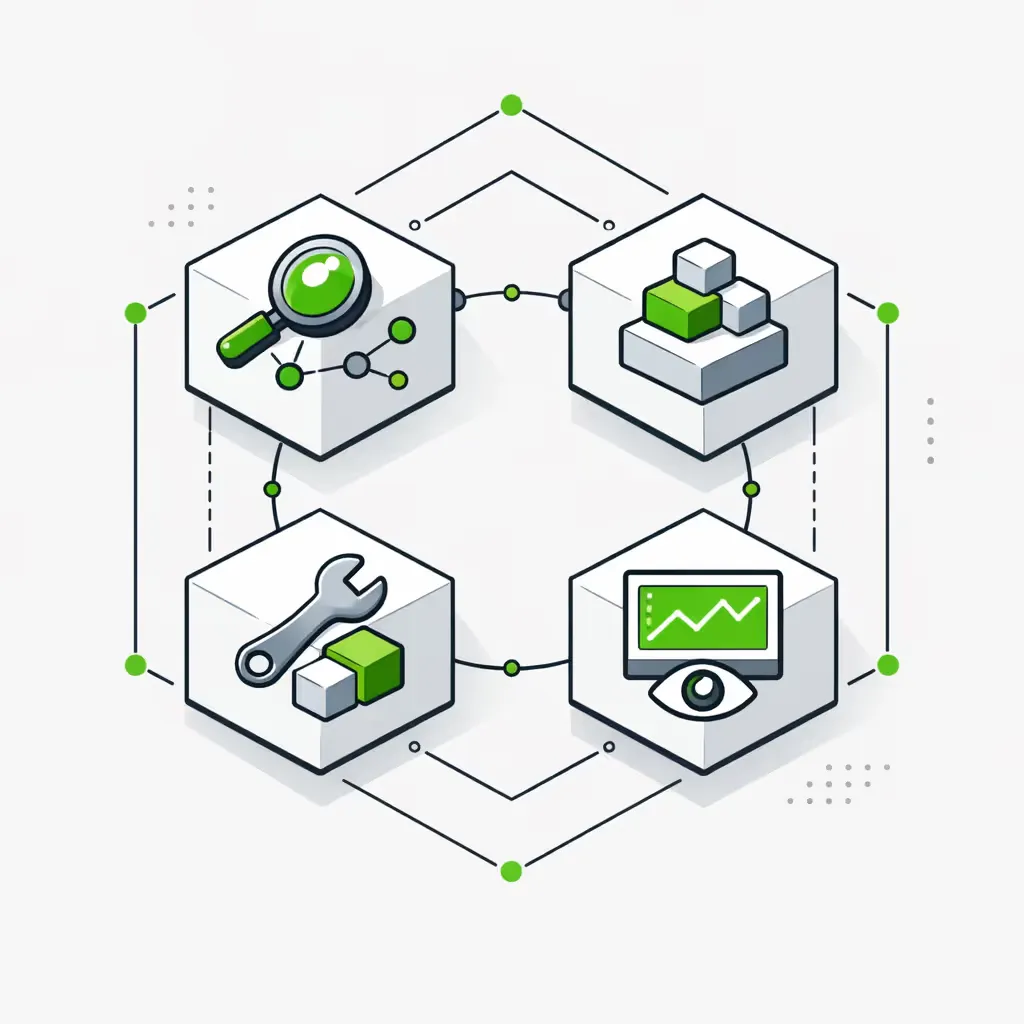
Audit, parallel rebuild, then a tested cutover with full handoff. No big-bang switch, no guesswork.
- 1
Step 1. Audit and map your Zaps
We inventory every active Zap: trigger, actions, filters, paths, code steps, webhooks, and monthly task volume. We flag the high-volume, business-critical workflows to move first and the ones to retire. You get a migration plan before any rebuild starts.
- 2
Step 2. Rebuild and run in parallel
We recreate each workflow in n8n with error handling, retries, and monitoring built in, then run it next to the live Zap on real data for several days. Nothing switches until the outputs match and you approve. This is how we migrate from zapier to n8n with zero downtime.
- 3
Step 3. Cut over, document, and hand off
Once a workflow is validated, we disable the Zap, point external systems at the new n8n webhook URLs, re-connect OAuth credentials, and give you full documentation. Then we stay on to run and extend the system as your operations change.
Migration options compared
A JSON converter gets you a draft workflow, not a tested production system. A pure DIY rebuild costs your team weeks and still leaves OAuth, monitoring, and error handling to figure out. Here is the honest comparison.
| Decision factor | 2V (done-for-you) | Converter tool | DIY rebuild |
|---|---|---|---|
| Output | Tested production workflows you own | Draft workflow to review | Whatever you build |
| Downtime risk | Parallel run, zero-downtime cutover | You test and cut over | You manage it |
| Error handling and monitoring | Built in | Not included | Your job |
| OAuth and webhook re-setup | Handled for you | Manual | Manual |
| Ongoing ownership | Retained partner | None | Your team |
Where the work actually is
The logic carries over. The wiring changes. These are the details a DIY migration most often misses.
-
Triggers
Zapier triggers become n8n trigger nodes (Webhook, Cron, or app-specific). The logic carries over; the wiring changes.
-
Actions
Most popular apps have native n8n nodes. Anything without one uses the HTTP Request node, so app coverage is never a blocker.
-
Filters and Paths
Zapier Filters and Paths become n8n IF and Switch nodes, which are more flexible than Zapier’s versions.
-
Code and webhooks
Code by Zapier becomes the n8n Code node, with full JavaScript or Python and any package. New n8n webhook URLs replace Zapier’s, so we update every external system that posts to them.
Real proof, not a savings promise
"The system they built removed around 230 hours of manual work each month and shortened our payment cycle from two weeks to two days." The ROI was obvious very quickly.
Zapier to n8n migration FAQs
The questions operators ask before handing a migration to a partner.
Will my Zaps stop working during the migration?
No. We run n8n in parallel with your live Zaps and only switch after testing and your approval, so there is no downtime.
How long does a Zapier to n8n migration take?
It depends on the number and complexity of Zaps. A small set moves in a week or two; larger, complex accounts take longer. We give a timeline after the audit, not before.
How much will I save?
Most teams trade an unpredictable per-task Zapier bill for a predictable hosting cost. We size the saving against your real task volume in the assessment rather than promise a number up front.
Do I have to self-host n8n?
No. We deploy self-hosted n8n for data control or n8n Cloud for managed hosting, based on your volume, security needs, and budget.
What happens to workflows with custom code?
Code by Zapier becomes the n8n Code node, which runs full JavaScript or Python, so the logic carries over and often gets simpler.
Can you migrate Make scenarios too?
Yes. We migrate from Zapier and from Make to n8n with the same parallel-run method.
Who owns the workflows after migration?
You do. Everything is documented and handed off, and we maintain and extend it if you want a partner.
What if an app has no n8n node?
We connect to its API with the HTTP Request node or build a custom node, so a missing connector is not a blocker.
Move off Zapier without the risk
A certified n8n partner rebuilds your workflows, runs them in parallel, and hands you a system you own. Book a Call, or see our n8n automation agency, the automation systems we install, and migration results.